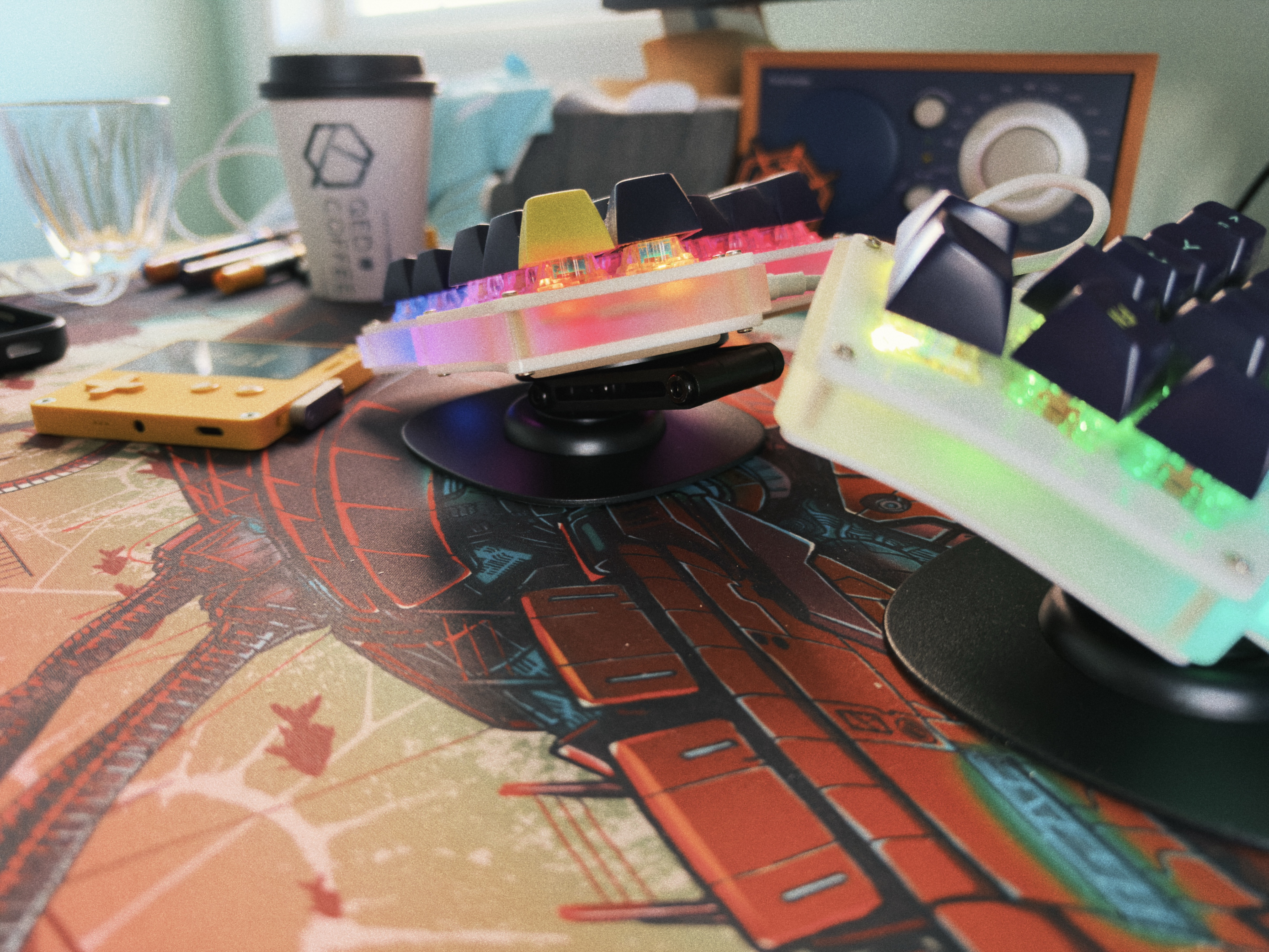
After having this Iris keyboard for three and a half years, it took a shoulder injury that painfully prevented me from rotating my hand flat, to finally try it out on an angle. It worked well enough that I finally got a nice and proper stand from keeb.io. (Shoulder is improving, too!)
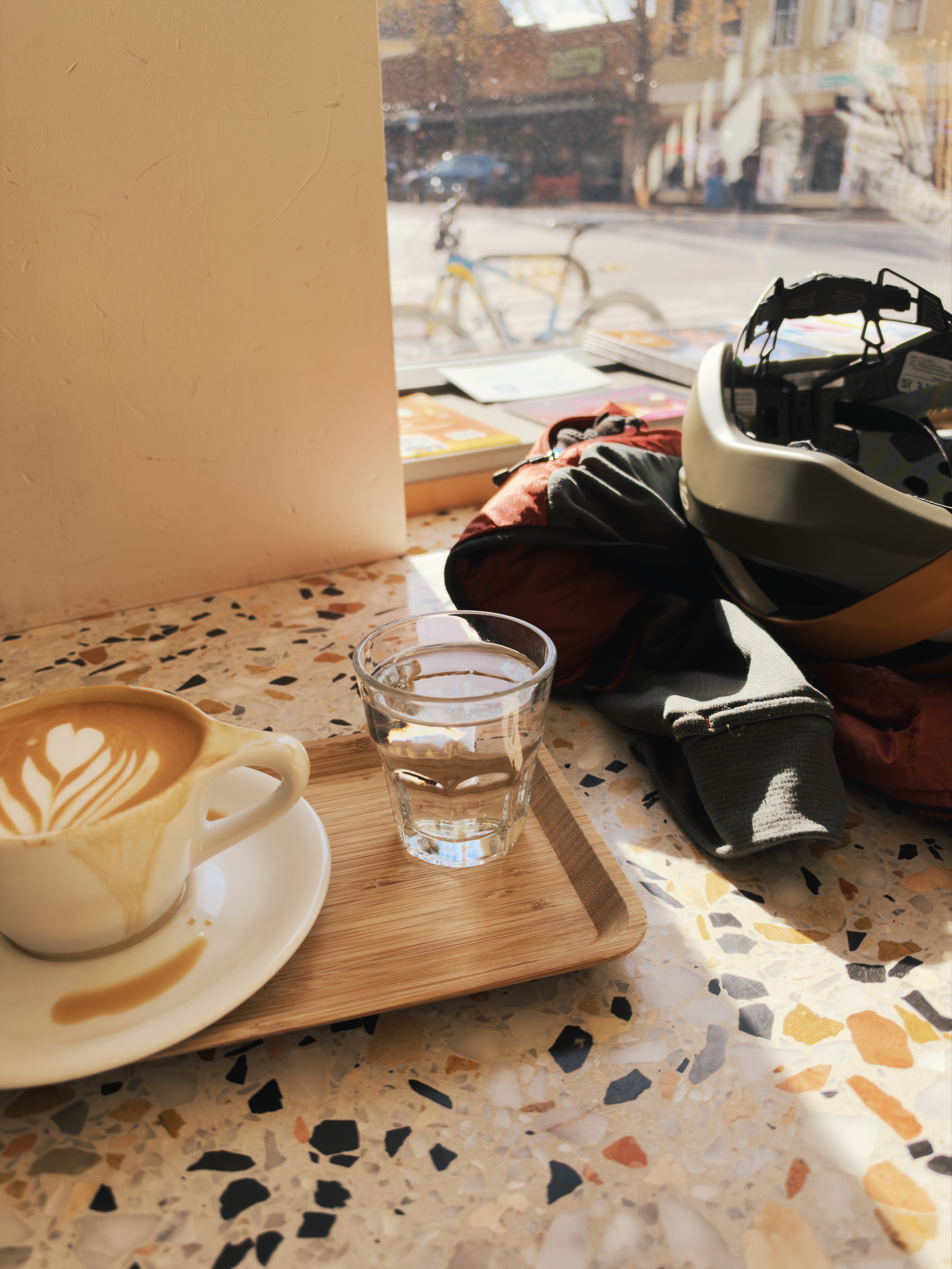
Coffeeneuring is a community event of taking to the bike to celebrate fall’s moods, angled sunlight, colors, breezes — and tastes of autumny drinks. I came across it for the first time last year just before the end of the month-or-so time span that it’s run by Chasing Mailboxes. It was too late to participate, so I looked forward to it all year.
I was ready when the official rules dropped and then, disaster, or near disaster: I badly hurt my shoulder and couldn’t get on the bike the first couple of weeks. After a lot (seriously, lots) of ibuprofen over about ten days, and eventual confirmation that I hadn’t torn my rotator cuff, I got to go for a first gentle ride of Coffeeneuring Month today: Over to Olympia Coffee on a perfect fall day. This first ride was just about five miles round trip, mostly through a set of greenways that wind around the nearby neighborhoods. What a good start to this fun community event.
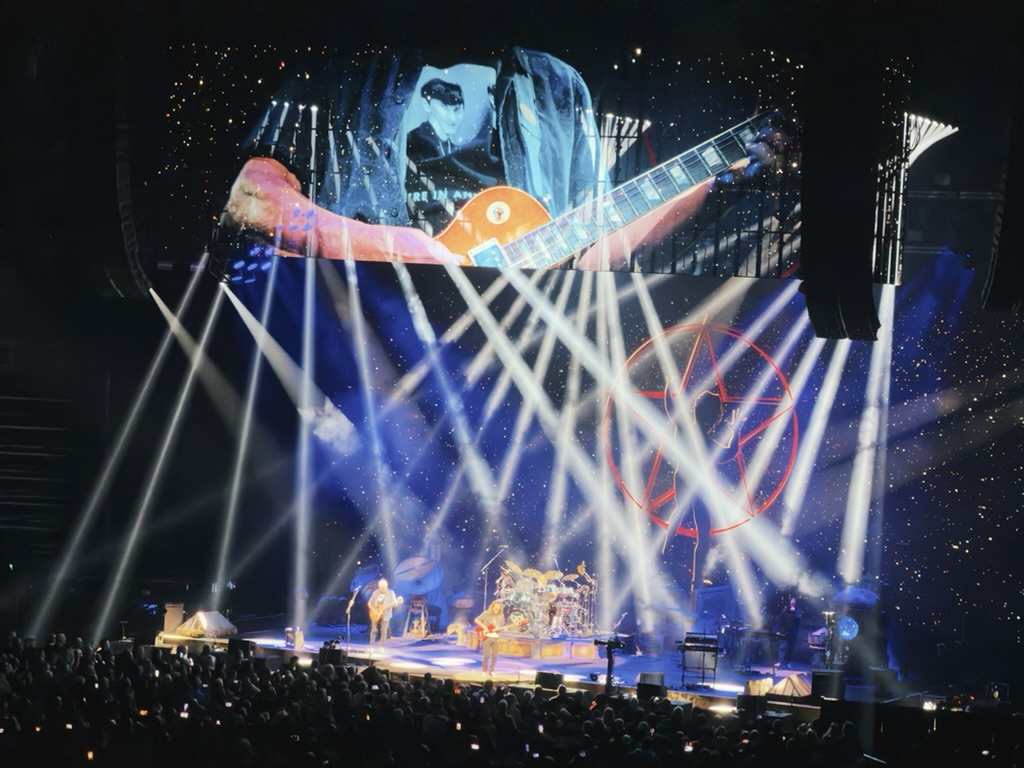
Rush on tour in 2026? Yes! At almost three and a half hours, this was a tremendous and spectacular show, and pretty special to see a longtime favorite band in a new incarnation.
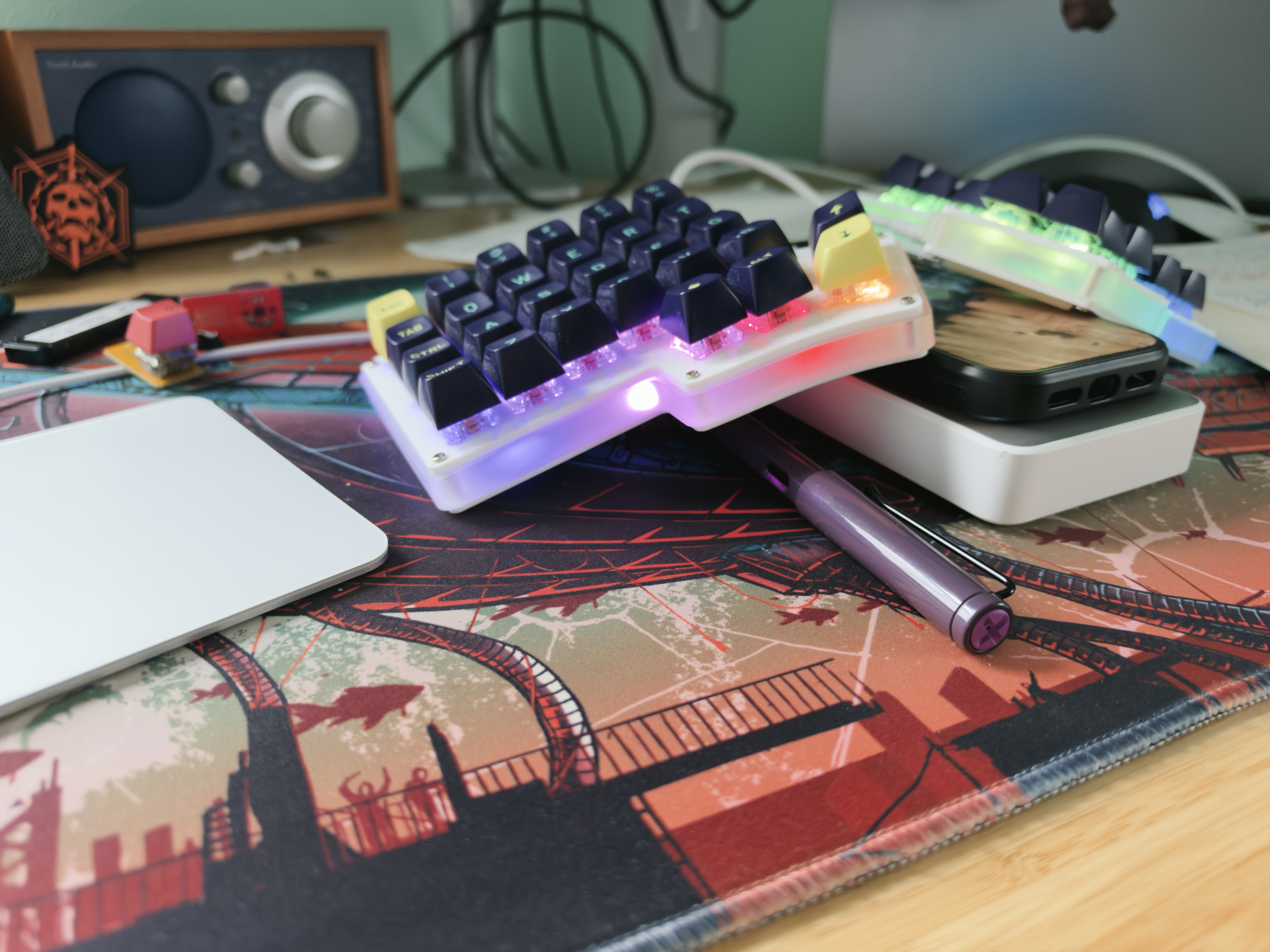
I’ve improvised an extra tented keyboard angle that’s a little more comfortable for my wrecked shoulder. I hope this tendinitis improves soon.
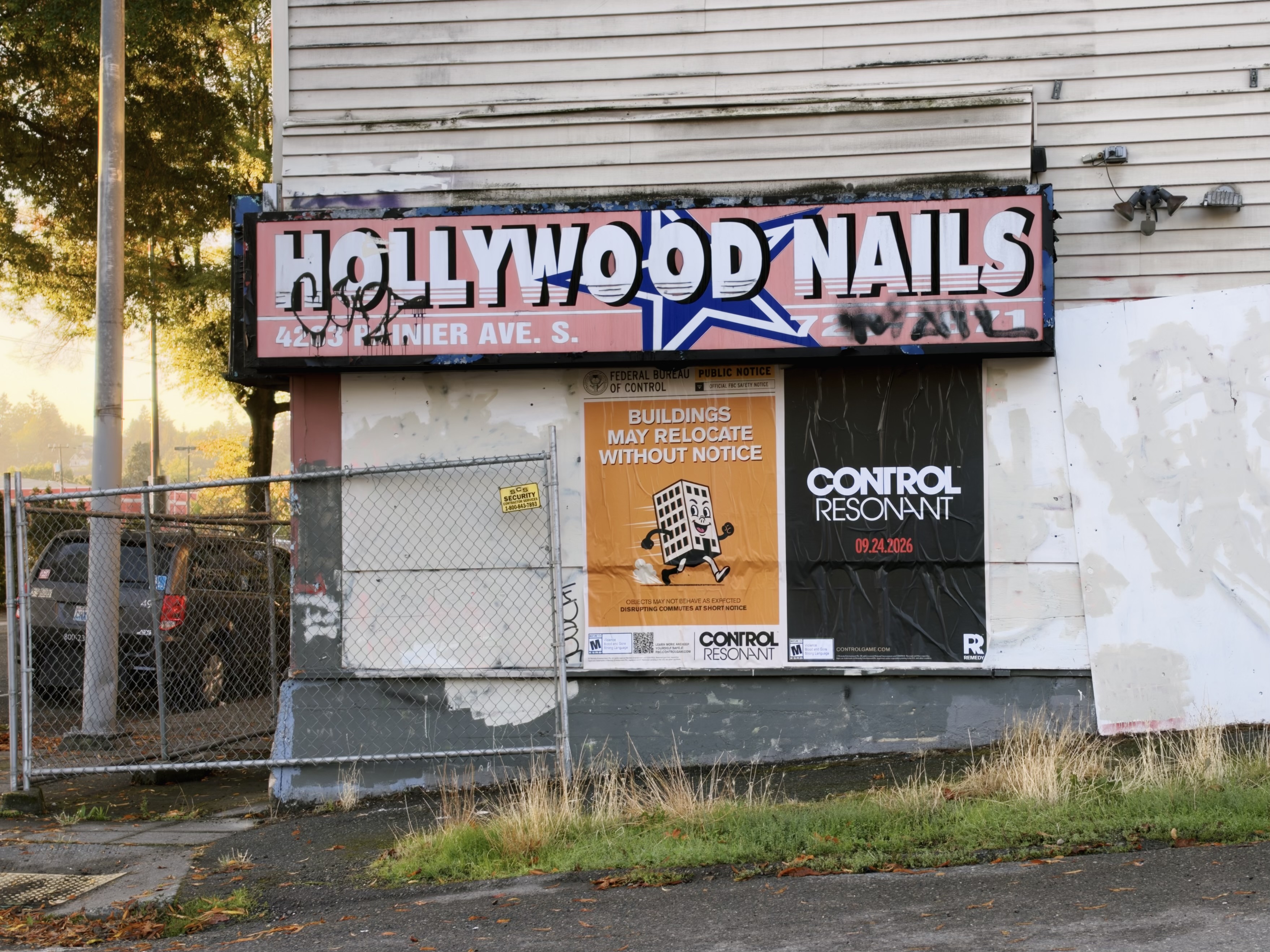
I was a big fan of the original CONTROL, so am happy to see its sequel, CONTROL Resonant, hit release. These posters on this wreck of an old building in town are an interestingly on-point representation for the game!
Future note to self after two hours of cleaning up old, no longer needed files on the Synology: The reason Time Machine reports that it doesn’t have enough room to perform a backup, even though 1+ TB suggest that it clearly does, is because the Time Machine user account has hit its quota, but TM doesn’t know about the user quota so won’t delete old backups to make room.
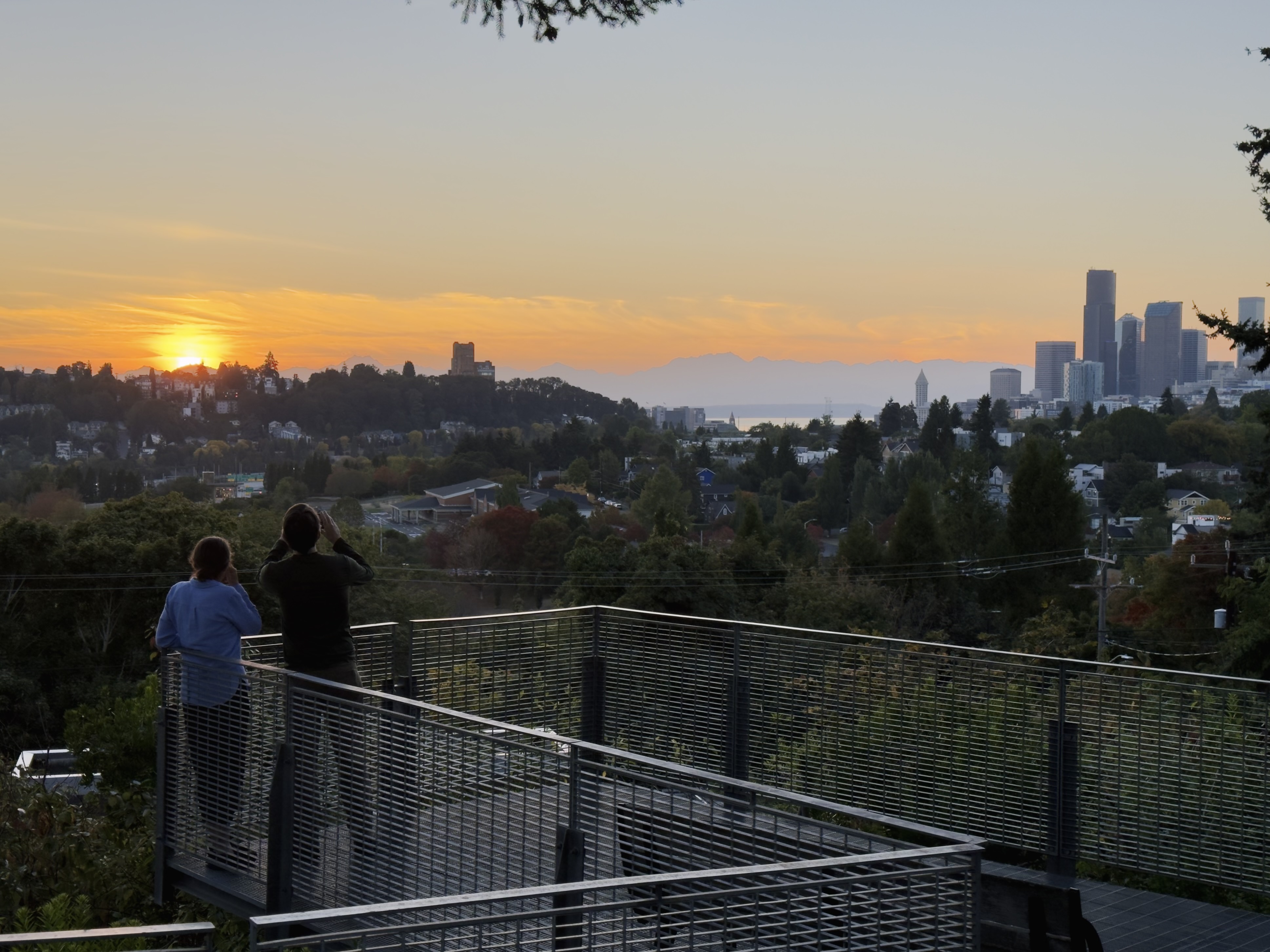
The sunset vibe last night, walking home from our local Friday night spot, was pretty good.
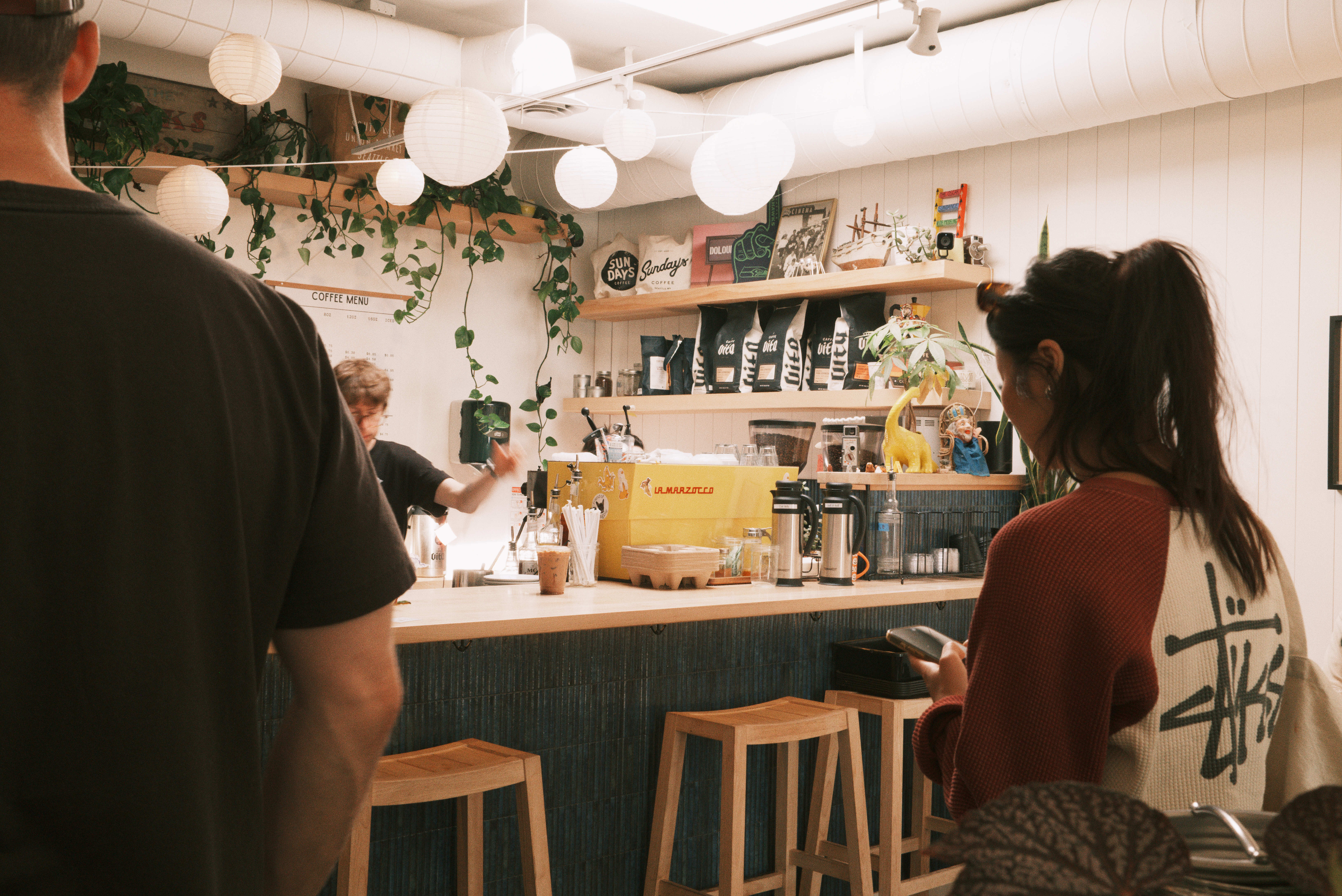
Using Aphera has made me enthusiastic to shoot raw photos for the first time in quite a while. It’s lightweight and makes it easy to get looks that I really like, without the heaviness of Lightroom’s interface or the deep analysis paralysis of the this-or-that among the dozens and dozens of filmy presets I had stashed away over nearly twenty years of using LR. The Aphera blog has a nice writeup in response to the common question “Is Aphera a Lightroom Replacement?”
I’ve landed on a couple of go-to straight out of camera jpg settings that I quite like on my X100VI, but adding raw back into my workflow has given me some great flexibility that I’m having fun with.
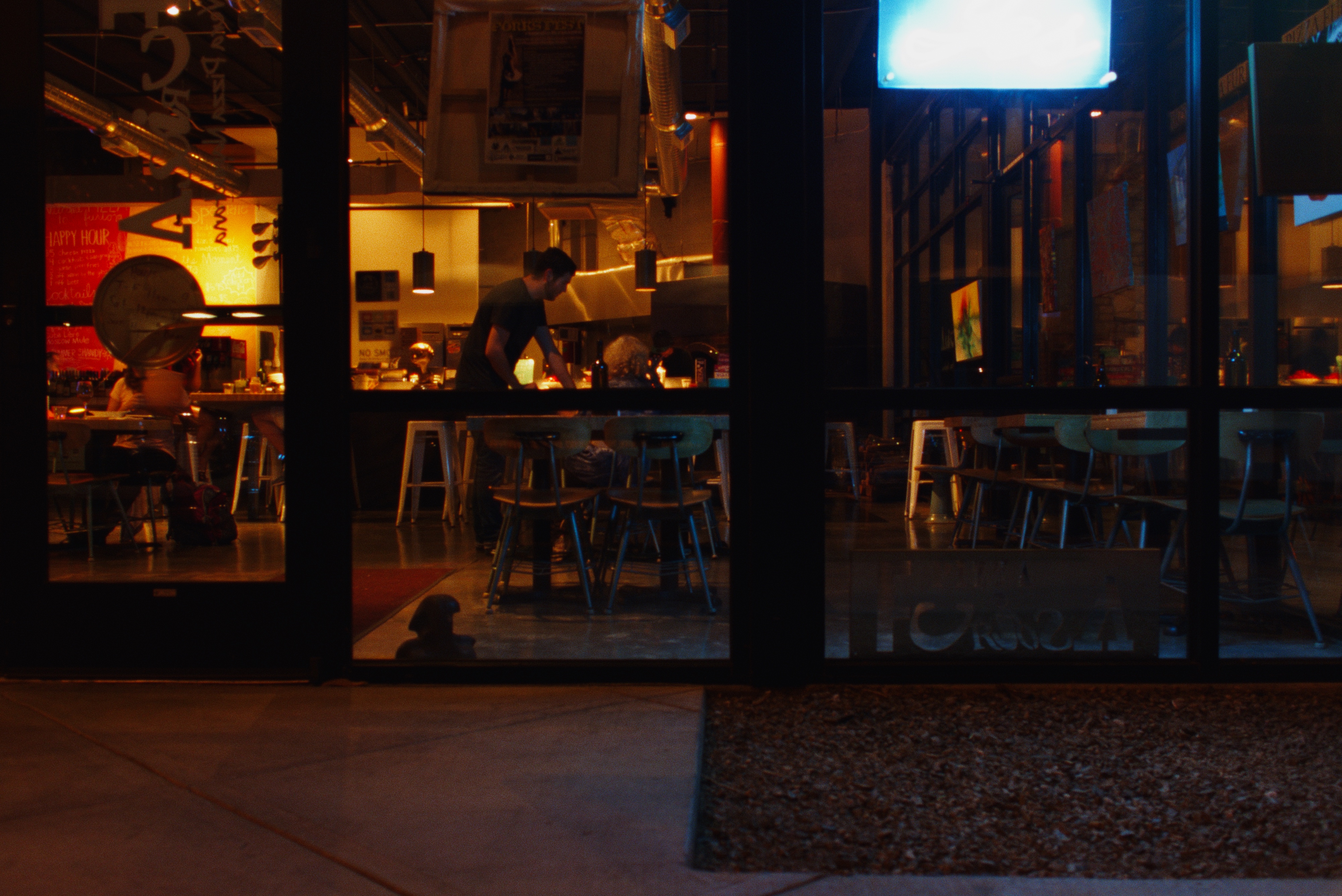
Iris continues to move me with its “On this Day” feature. Now that my multiple decades of different catalogs are accessible in one place, I have this photo roll of personal history that changes every day. I find myself struck by the passage of time, recalling moments that I haven’t thought of for twenty years or more — and plenty of more recent memories, too. Every day I’m surprised and sometimes have to outright catch my breath. It’s quite a thing.