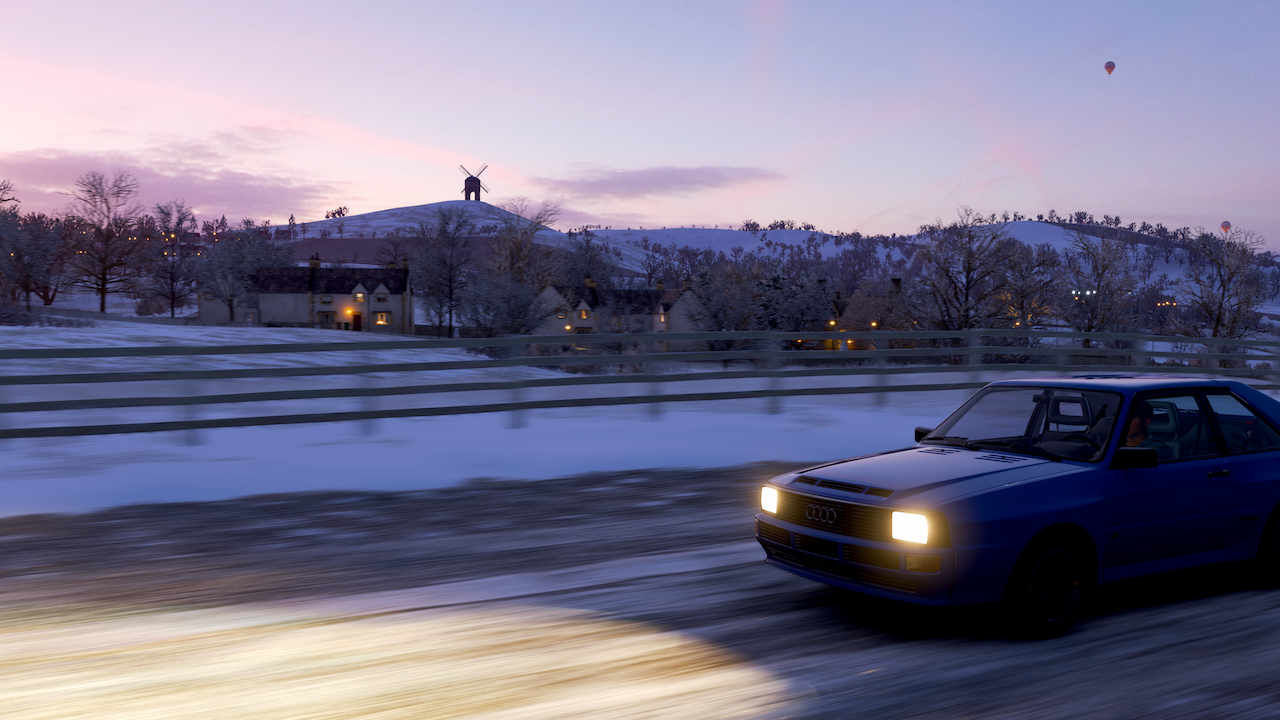
Today called for some relaxed gaming, and Forza Horizon 4 hit the mark. It’s great fun just to drive the beautiful countryside in this game. The game also has a really excellent photo mode, so I got some bonus weekend hygge in the background for this one.
- Press and hold fn+alt+2, to enable the second keyboard profile. This will separate the keyboard abuse we're going to inflict from the main profile.
- Press and hold fn+alt+tab for several seconds until the keyboard blinks
- Tap left shift: this selects it as the key to be programmed
- Press fn+3: this selects that combination as the input to map to the newly-programmed key
- Press fn+alt again to save the macro
- Press and hold fn+alt+tab again to exit macro recording mode
Spent a good chunk of the day learning how to make a Shiny app out of my Destiny Armor Profiling Thing. That was fun and my brain is also broken.🎮
🎮 Speaking of Destiny, a note out to my micro.friends gamers: The upcoming expansion will be free for XBox with Game Pass, so if any folks new to the game are interested in checking it out, I’m happy to team up and show you some ropes! (I’m actually playing primarily on PC/Steam, so equally happy to meet up there.)
Alan Plays Destiny - Season 11
This was an extra-long season of the game due to delays in the launch of the next significant expansion, Beyond Light. That length worked well for me because I bounced out of the game for a while this summer and fall and enjoyed some other games and pastimes from my mostly-quarantined home. (The seasonal experiment has been at times a lot of fun and often really frustrating, because it created a game loop that was often too much of a grind.)
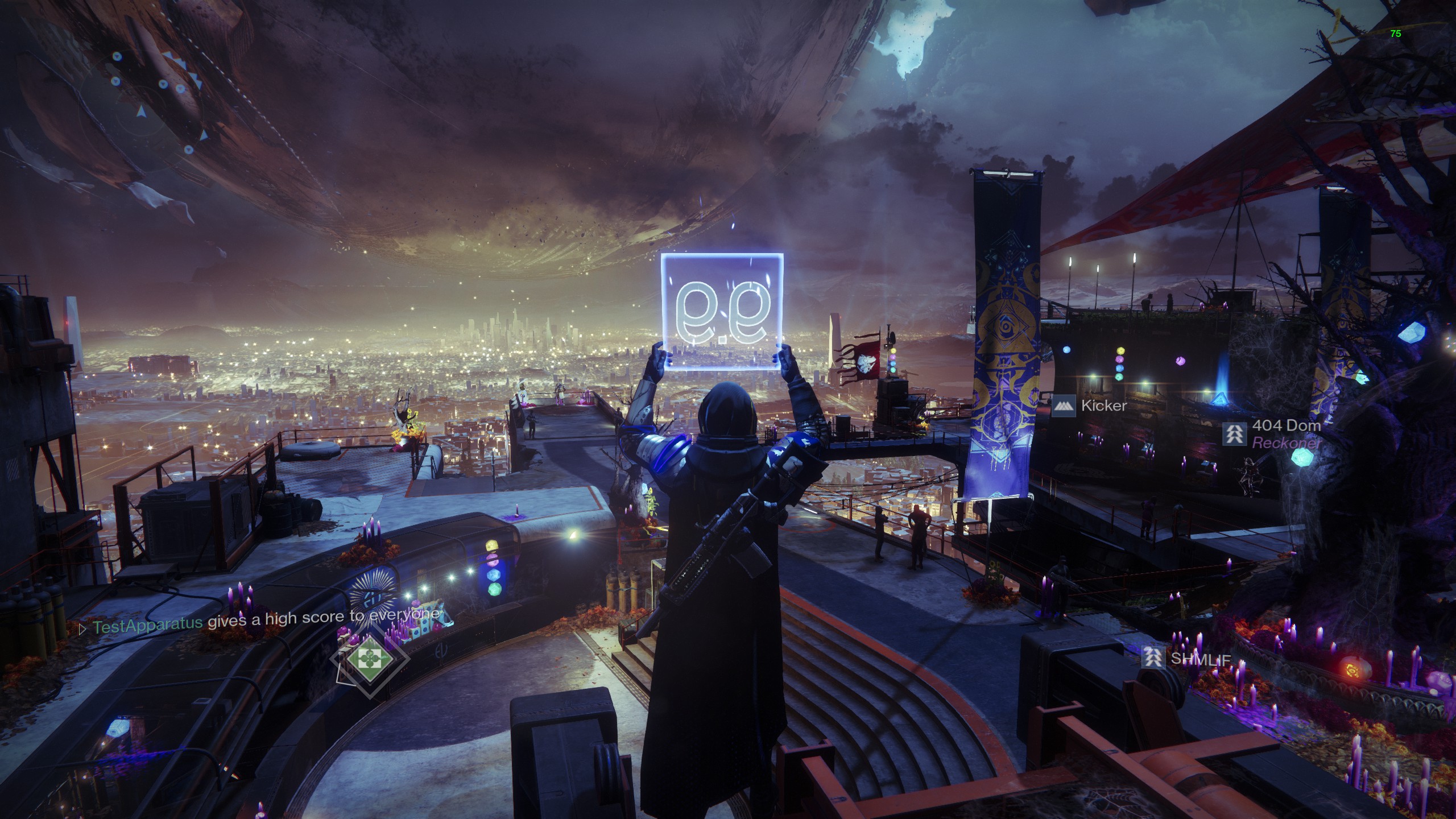
But then I happened into spending more time with a nice community of friendly and welcoming players, and had a really good time the last several weeks checking off activities that I hadn't completed and earning my first titles in the game. Those are special designations that players get to wear in-game for finishing significant sets of activities centered on seasonal quests or specific game modes. It feels good to rock the MMXX label while shooting space magic at aliens.

I'm happy to have come back and really enjoyed the game lately, pleased to have earned some titles, but most fulfilled by having done it alongside folks who are good company. We cheerfully helped one another complete raids we hadn't checked off and finish incomplete quests. Having finished off the title for both the current season and the "moments of triumph" title for 2020, I'm ready for more.

Previously in this series:
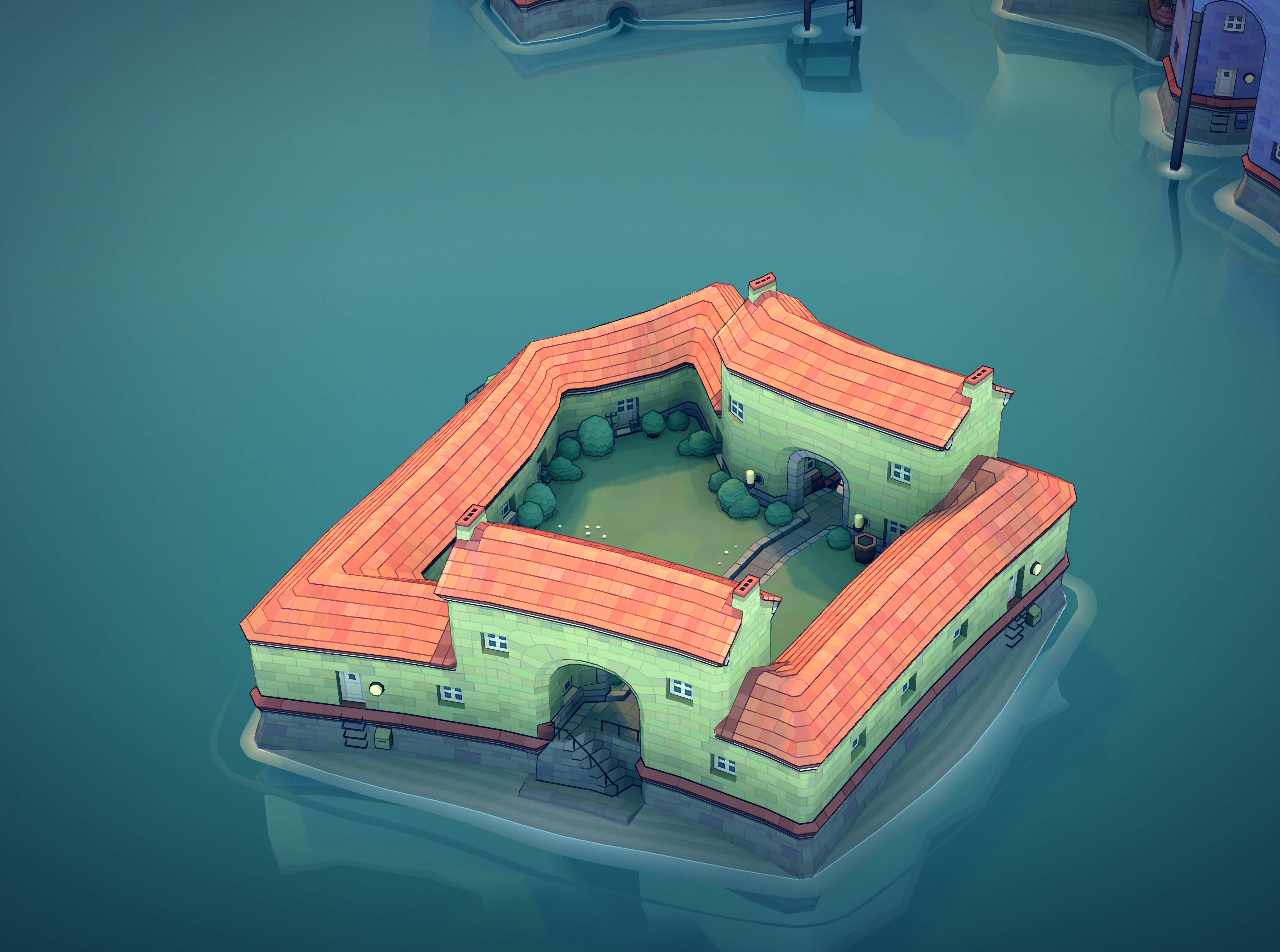
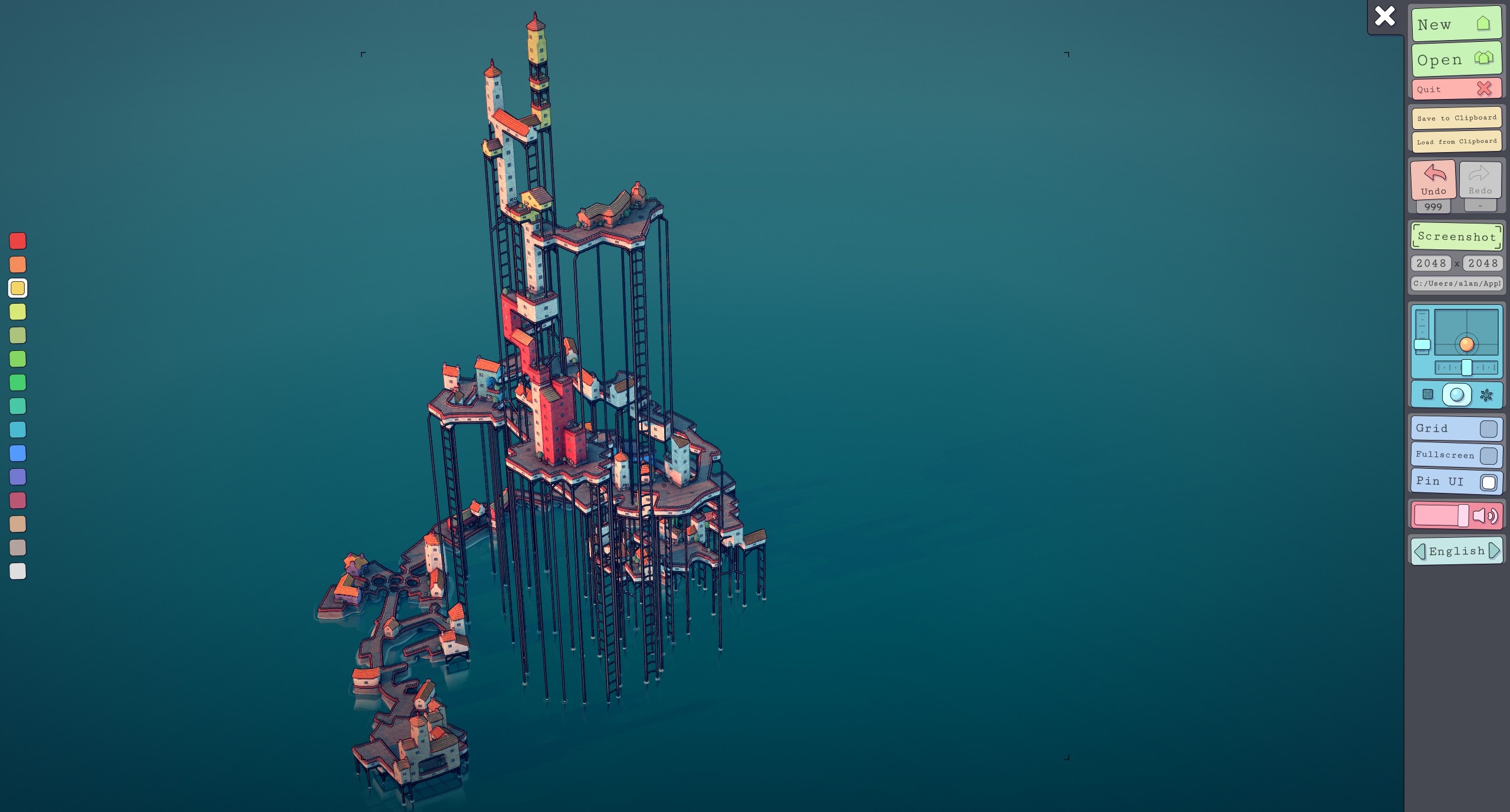
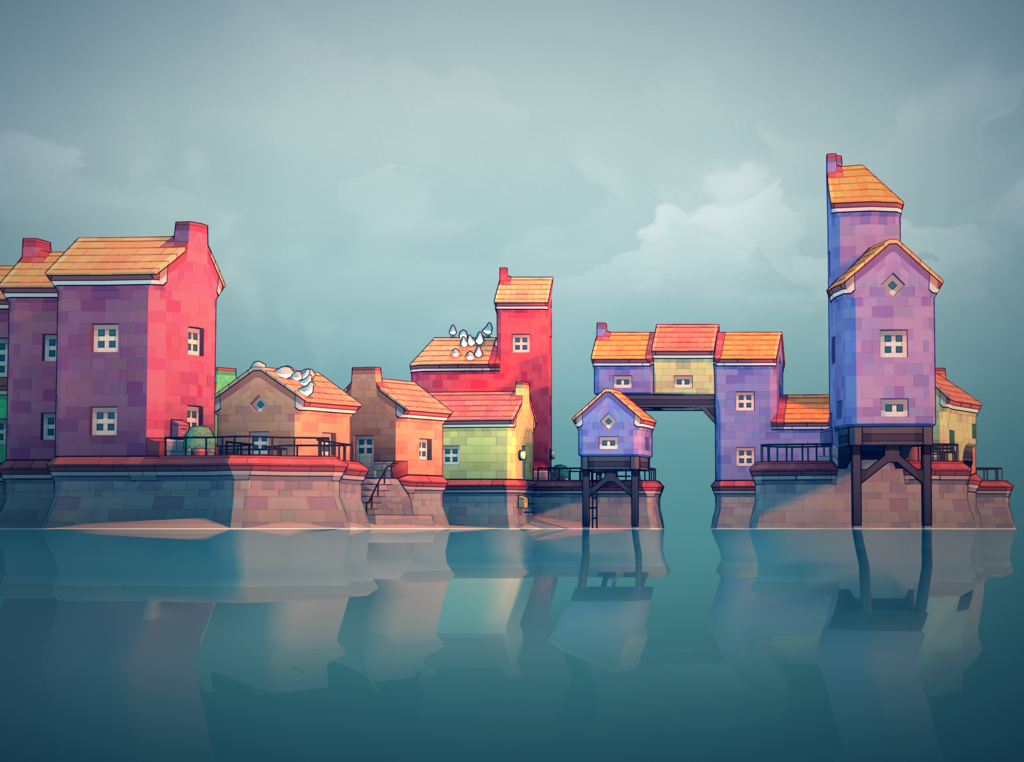
Today in Townscaper: Learned that garden paths exist! And how to make them!
Enabling Minecraft fn-key combinations on a Ducky One 2 Mini
Some special debug modes in Minecraft require pressing F3+some other key, which is a real mess for accessibility; function keys aren't meant to be modifiers of other keys, and the Minecraft folks have some explaining to do on this.
That said, my son came to me with a problem: He wants to do something called "showing chunks" in Minecraft, which requires F3+g. Pressing F3 on his 60% keyboard requires using the _fn_ key, so if he presses another key while holding that key, it also activates the alternate function command mapped to the second key. Without some kind of reconfiguration, his keyboard literally cannot send the combination of fn3+g.
After banging my head around forums for a while, I was surprised that nobody seemed to have posted a working solution. So here's what I came up with, using the key programming available on the Ducky One 2 Mini:
We're going to set the left shift key to imitate F3 without needing to press fn: