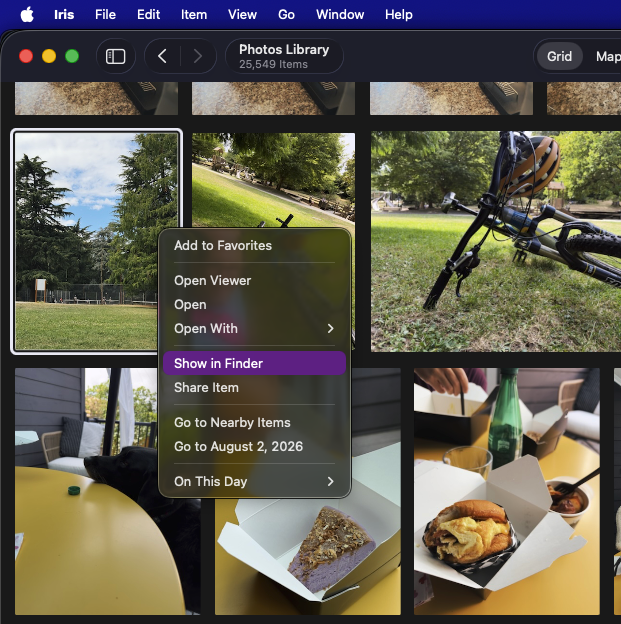
Iris does some really nice things for unifying catalogs, but IMO this key feature is nearly worth the price of admission all by itself.
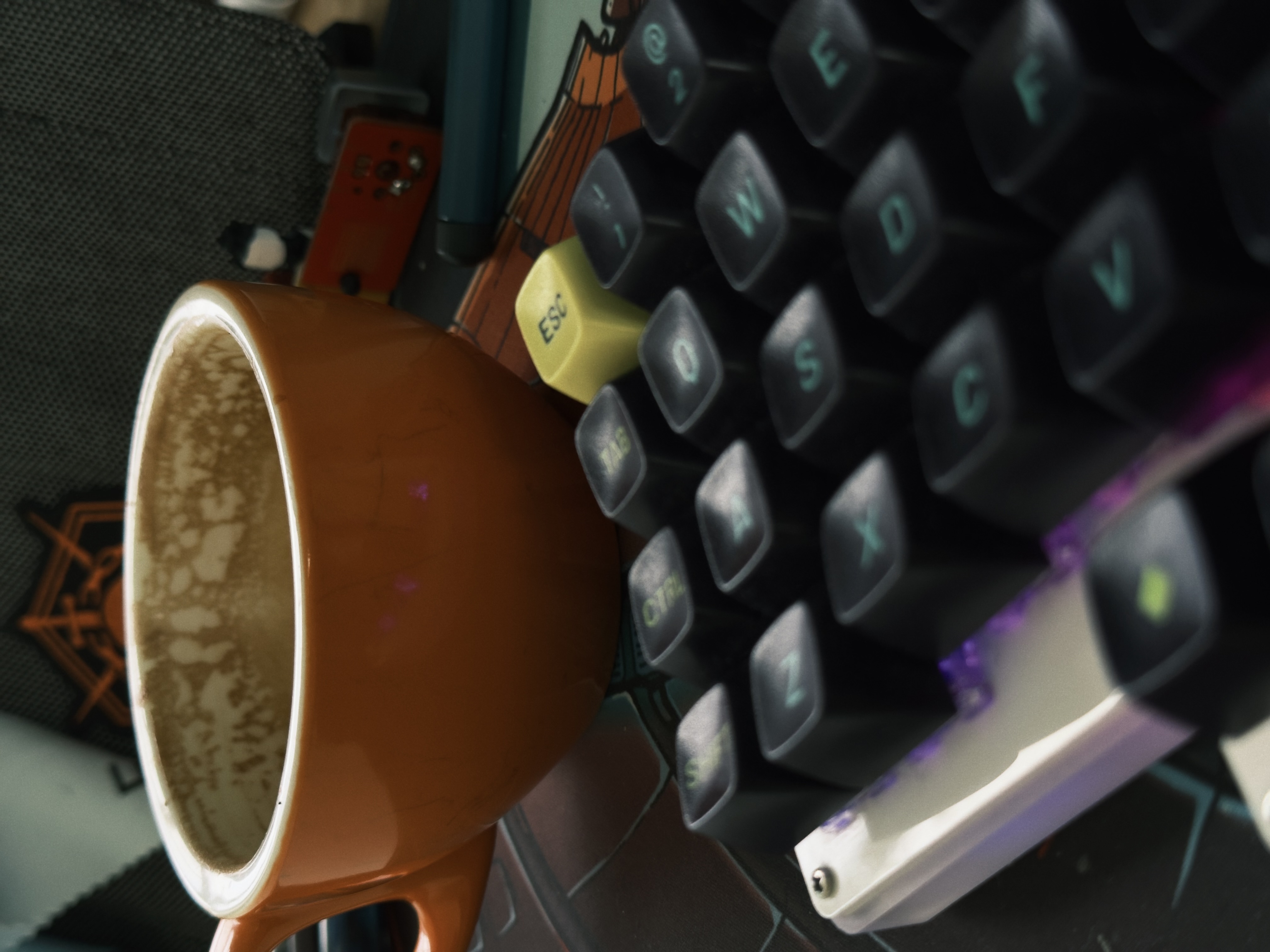
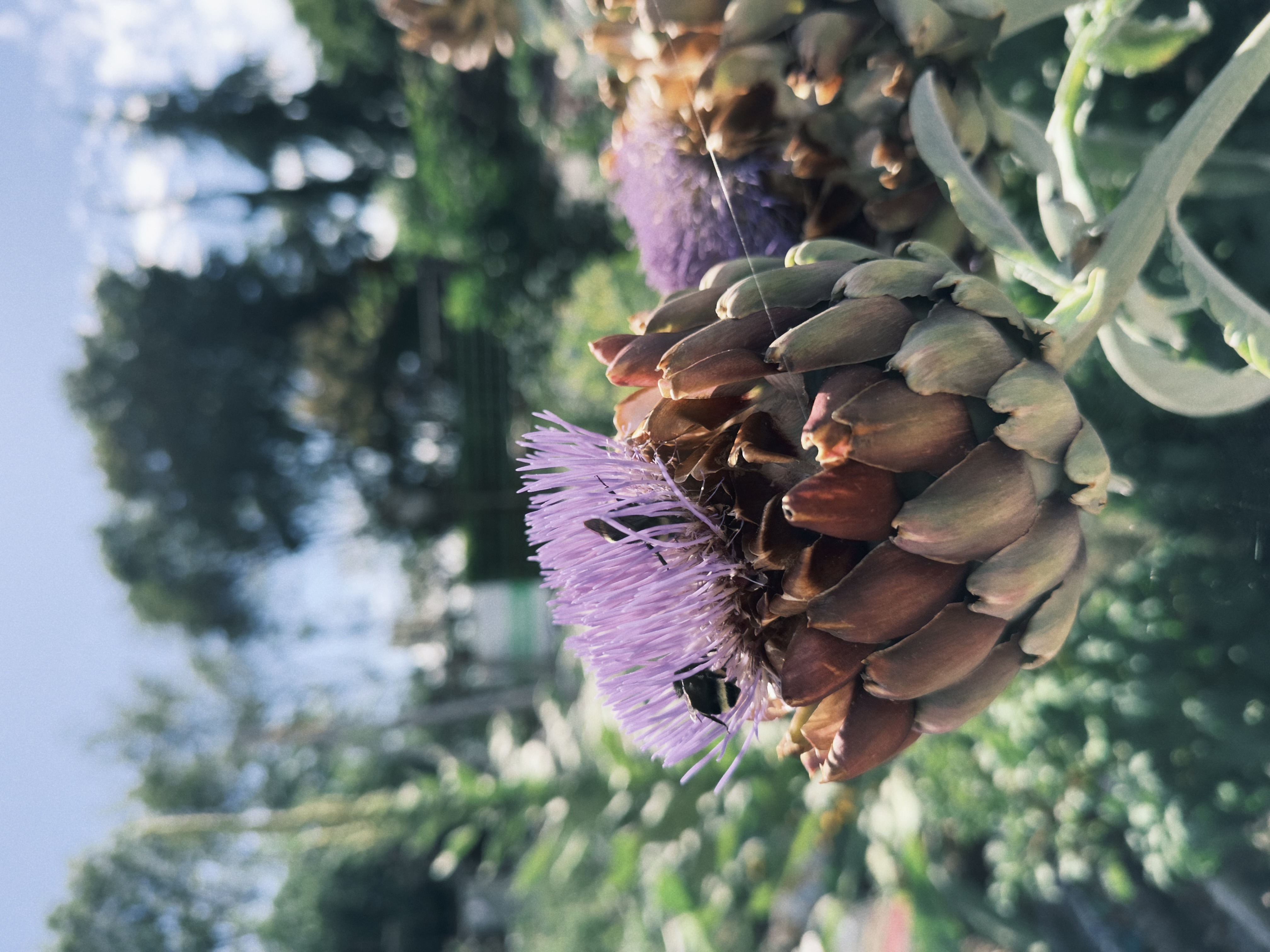
Alternative photo apps haven’t really stuck for me, but I am really appreciating a lot of what No Fusion does, so far. The interface feels pretty good, allowing for fairly natural feeling adjustments, and it has a nice set of film-like modes. It also claims to have a unique processing pipeline that improves detail and color. Does it? I don’t know; I’m not making direct comparisons, yet, but I do like what I’m getting from it. It feels deliberate enough and produces good enough output that it scratches a little of the same itch as using a bigger camera like my Fuji.
I’m impressed by Iris, an elegant and clever Mac app that does a bunch of delightful things.
I have an array of photos sources: Two Photos libraries from different eras of Mac and pre-Mac computers; more than a decade of flat file storage that make up my Lightroom libraries; and a big file tree of imported mobile phone photos from prior to when I began syncing everything through iCloud Photos.
Until using Iris, these have been separate catalogs, technically unifiable by dumping absolutely everything into a single Photos library, but I really don’t want to do that. Iris gives me this nimble application layered over all those existing sources, so for the first time I have this entire digital photos history viewable in one place. It’s marvelous and transformative as a way to have access in a unified way to such a span of time and places.
Iris has a lot more to dig into, like entirely on-device machine learning to identify faces and associate them with named people. I can add people details and then Iris will show me things like photos from a person’s birthday over the years. I’m just scratching the surface but I’m really excited by what it can do.
TIL that Fuji’s raw studio software has perfectly nice support for saving and editing film simulation recipes. It’s been there all along! I exclusively used Lightroom when I primarily made raw images, so I never thought to explore it.
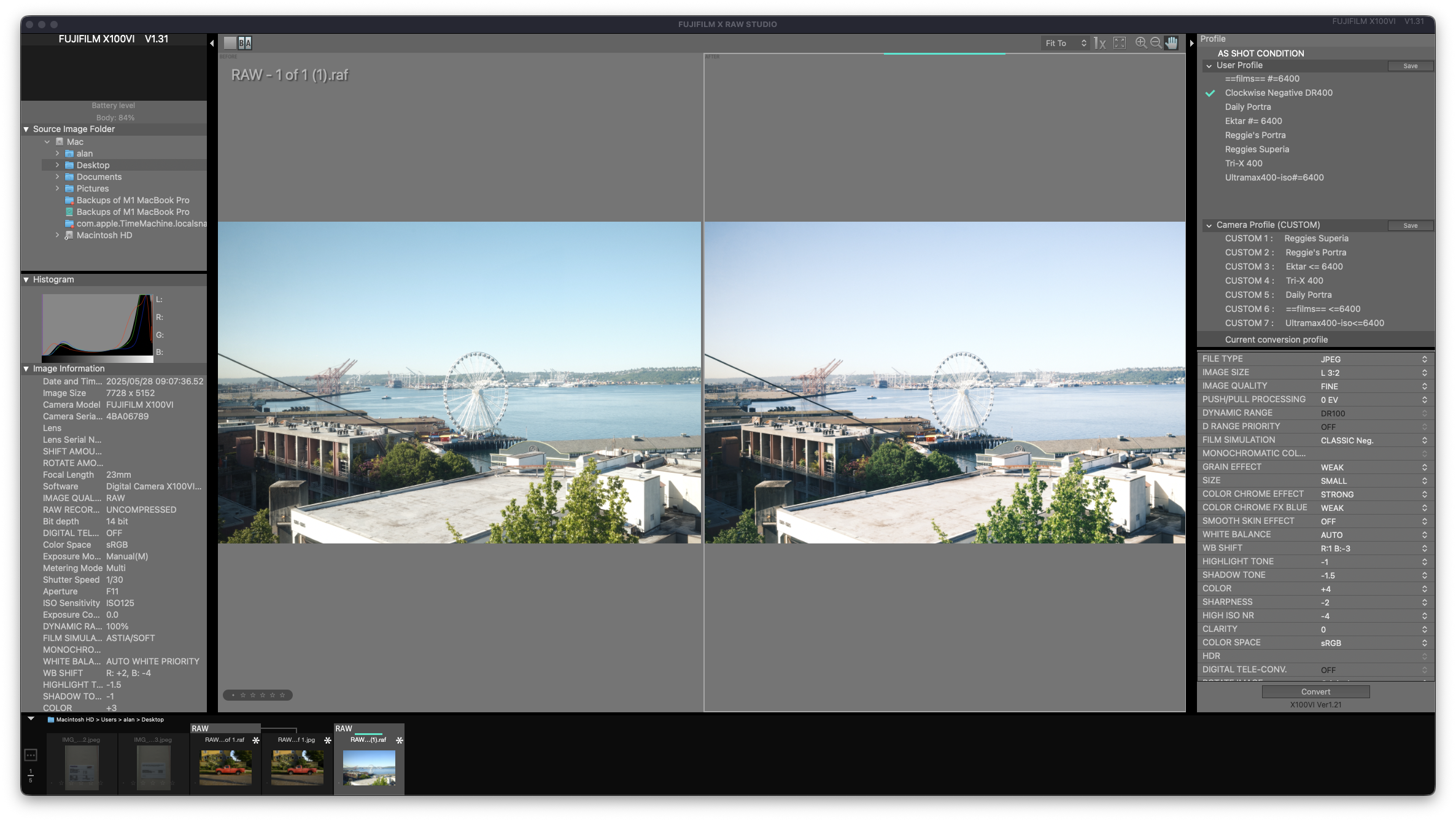
The software isn’t so much for full raw development, but rather for editing, applying and saving the C1-C7 film preset modes that the camera uses to render JPGs. You can do all that on the camera, and in fact it’s what I’ve done … for years! But using the desktop app is easier and much more effective than trying to edit development settings on the camera. For an all-JPG photographer, it’s super useful to be able to test the effects of different film settings on the big screen, and then store them for use while shooting! On top of that, the studio software can store more preset simulations than the camera can keep at a time, so you can keep a library of favorites that are easy to come back to.
Fuji’s really leaving adoration and acclaim on the table by not making a better mobile app to do all this (like this quite good-looking iOS app)!

There are some casual clubs in town that organize periodic group ferry rides – what a treat! Taking photos with other people who dig ferries! They look like fun and I’d like to join sometime. And it reminds me of the time I got severely scolded by a ferry crew for taking too many photos. Times have changed.