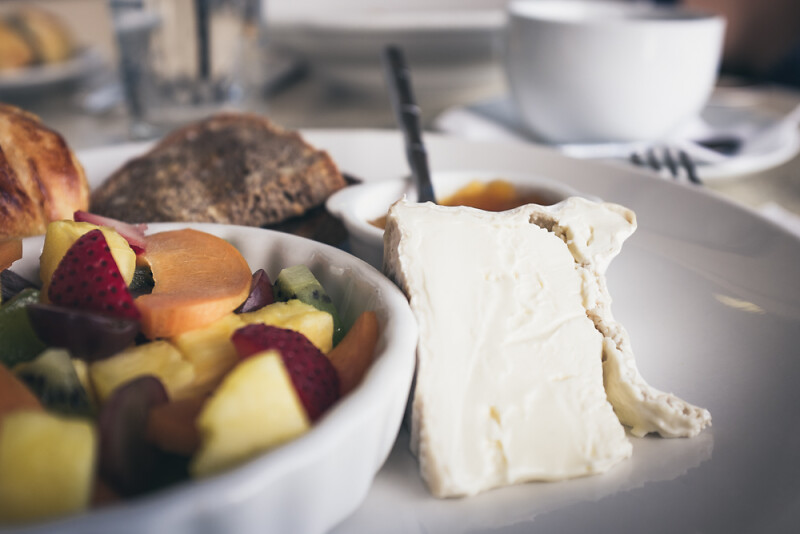
More photography: Using the Fuji X100S and VSCO
Since buying the VSCO Film Pack 04 I’ve been post processing a lot of photos, and I am starting to get a feel for what I like and what seems to work well with the kinds of photos I enjoy shooting — and liking the results enough that I sprung for Film Pack 02 when it was on sale recently.
Working on some photo books over the weekend, I revisited some photos I made with my previous “big” camera, a now almost seven years-old DSLR that was my starting point for all of this hobbyist interest in photography. I have a shelf full of lenses and am deeply fond of many of the photos that came from them over the years, and proud of some of them, too. I picked up that camera for the first time in a while this weekend, organizing and cleaning up some bookshelves — It’s heavy. I had forgotten. I am so used to the weight and heft of the X100s, the feel of the shutter, and that big optical viewfinder, I think it would be hard to go back. I love its output and I love to use it.
A good tool encourages its user to explore its capabilities, to learn to be most effective or creative or (day I say) productive. This camera rewards my efforts to get better. I don’t have illusions about being a good photographer because I have a nice camera, but having a camera that makes even my hobby shooting feel like something that approaches a craft gives me a great incentive to learn and improve — and it’s a real kick.
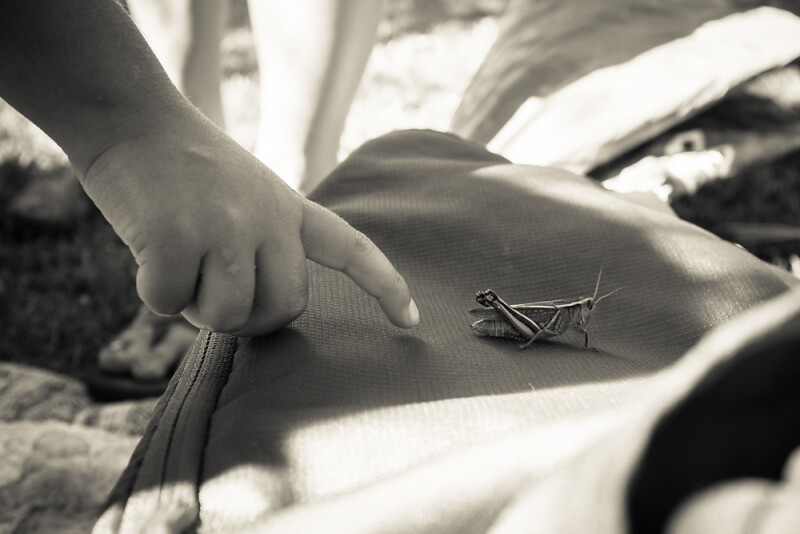
- What’s going on here at the image at the top?
- Girl or boy?
- How old?
- What’s the time of day?
- Time of year?
- Hot or cold?
- Modern or antique?
- Sunny or cloudy?
- Indoors or out?
It's autumn!
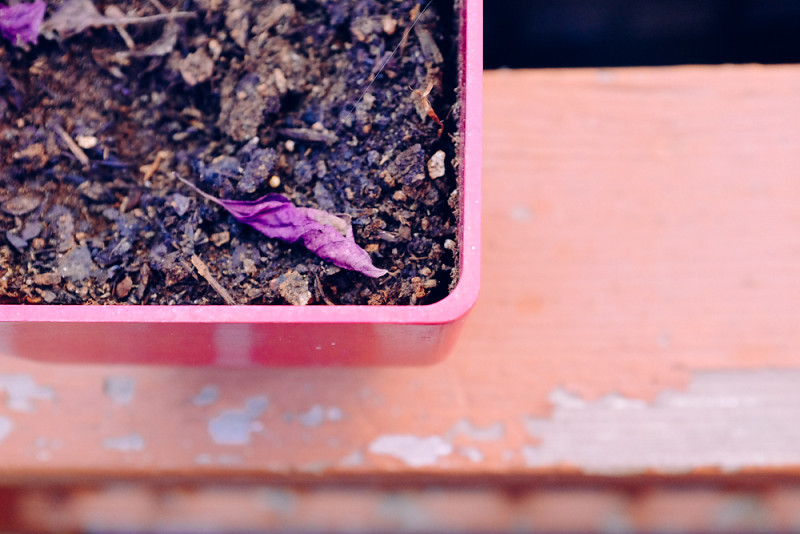
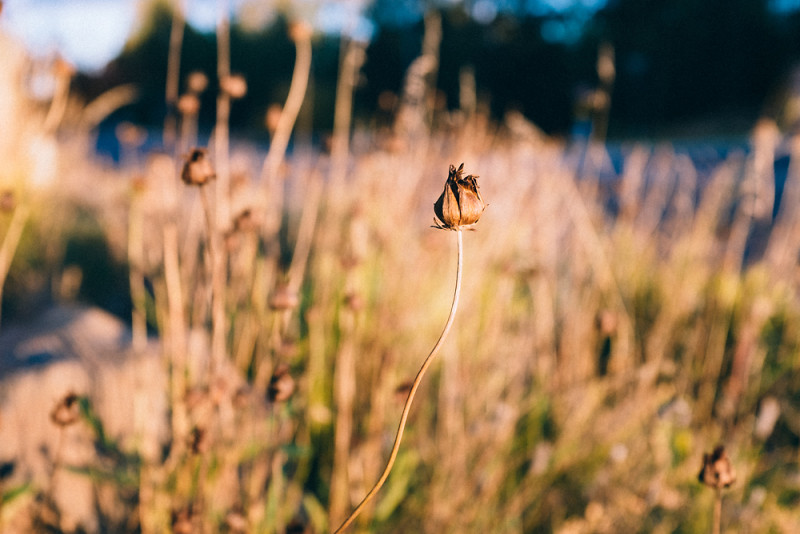
Making the leap to Mavericks on my home MacBook Pro prompted me to think some about the dramatically different computing environments between my home and work. But that’s still a drafty post, so here are some autumn timey photos that I like, including the seasonally-required autumn leaves photos.
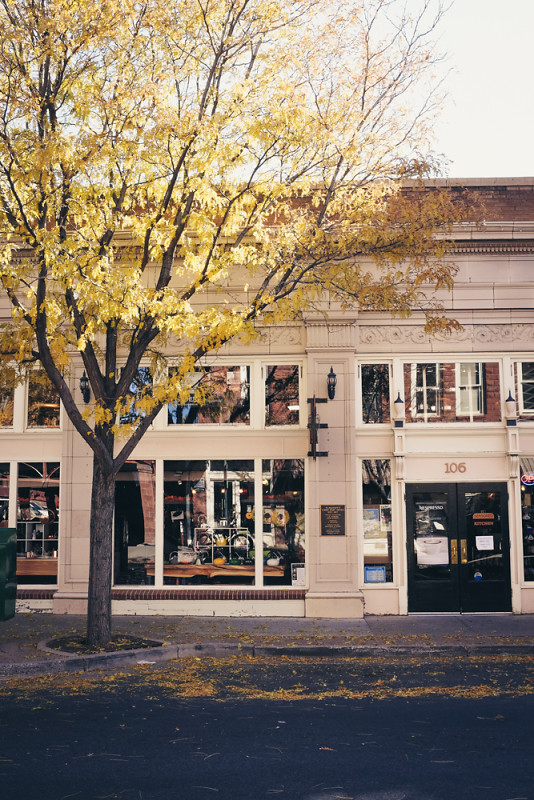
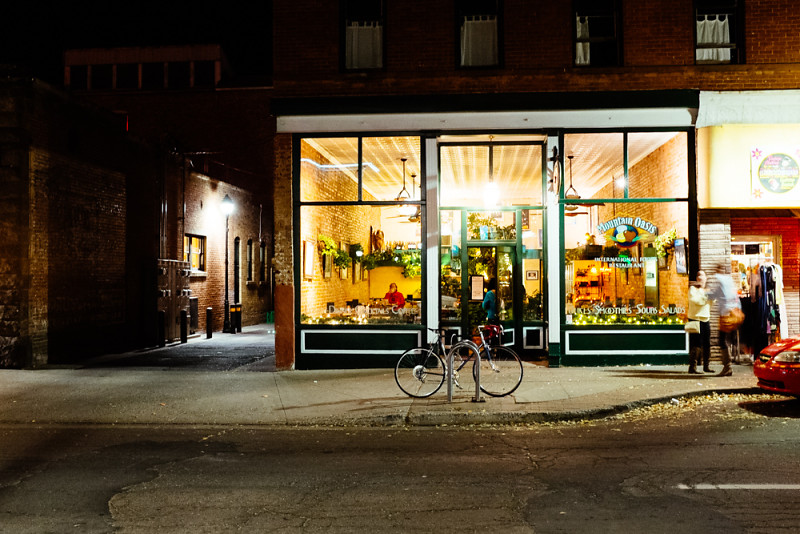
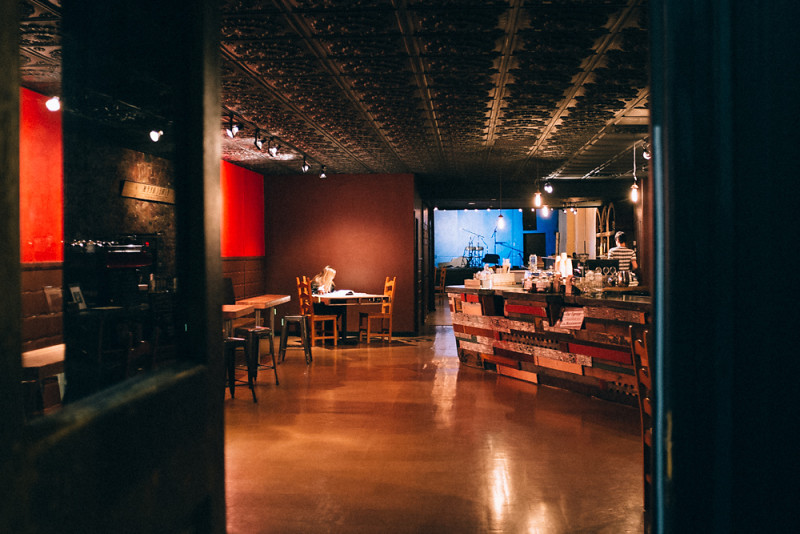
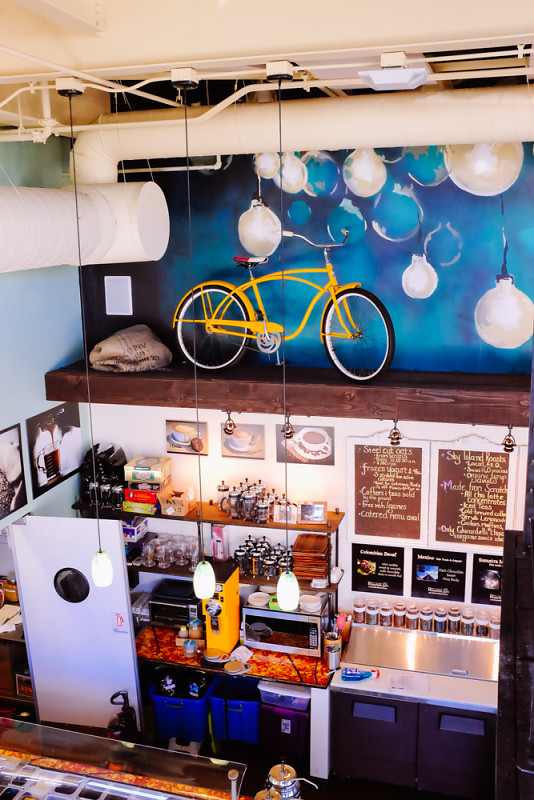
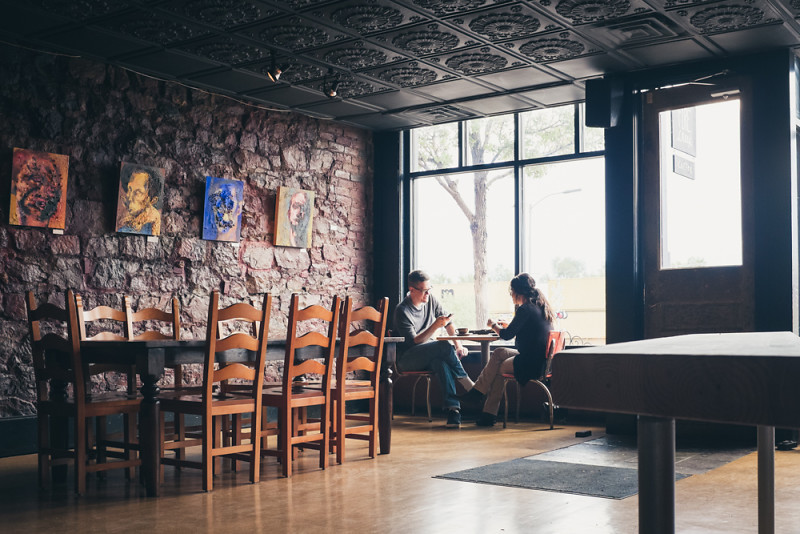
We also have a good new coffee shop in town that I quite enjoy:

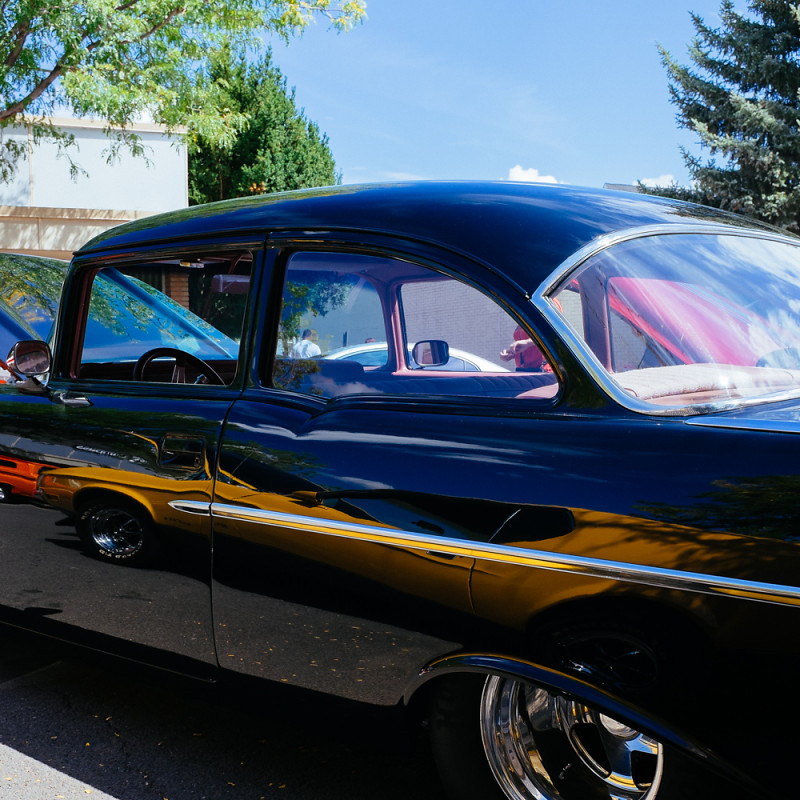
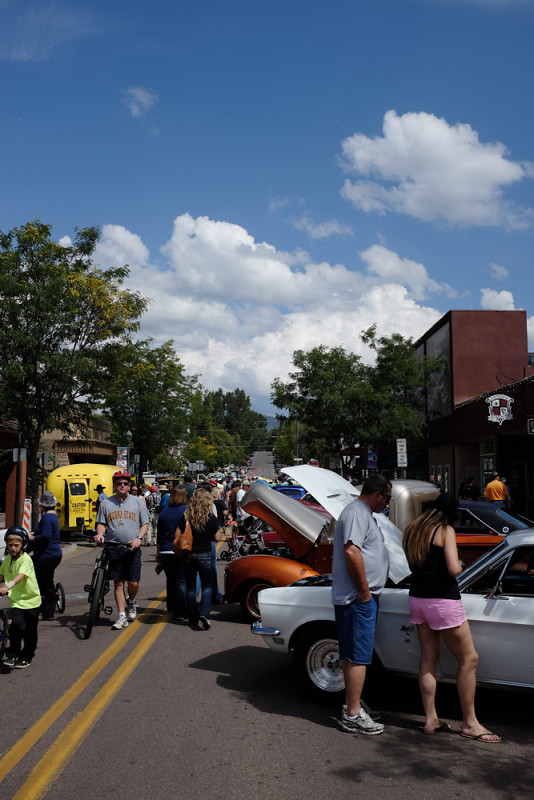
Route 66 Days
Some photos from a jaunt around this year’s Route 66 Days car show. We picked a good time to explore it; our monsoon weather returned early in the afternoon and kept us bottled up inside for most of the rest of the day.

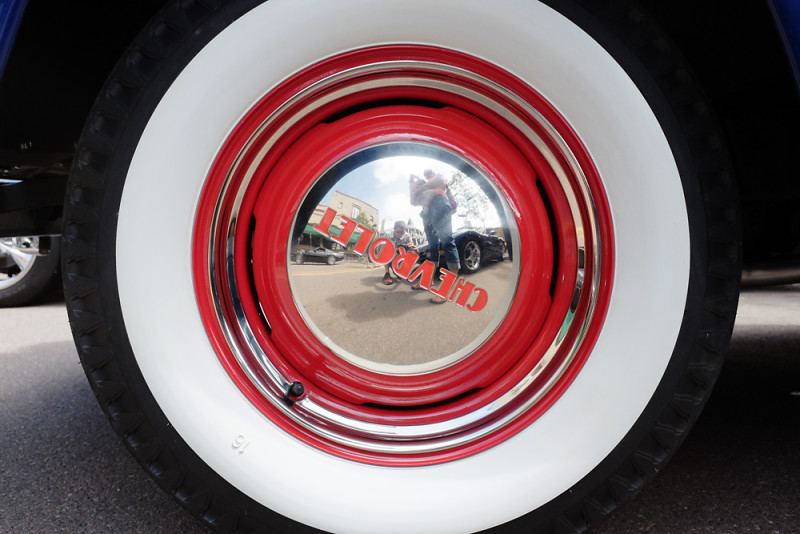
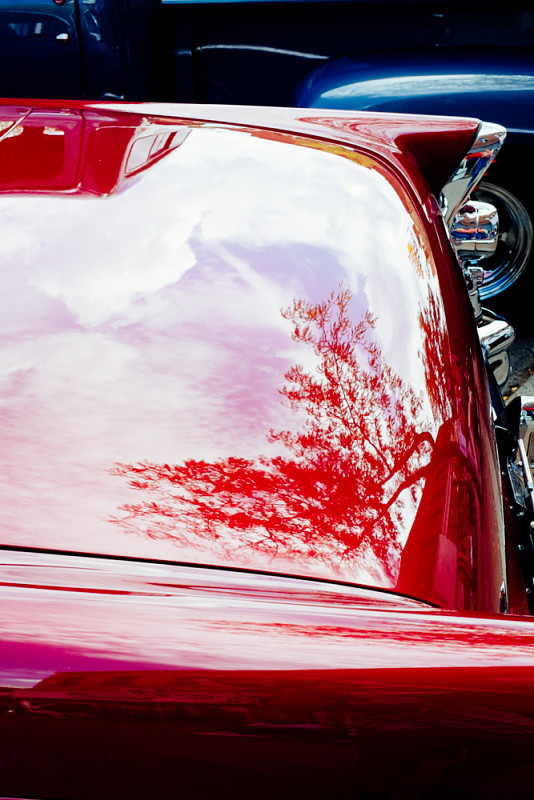
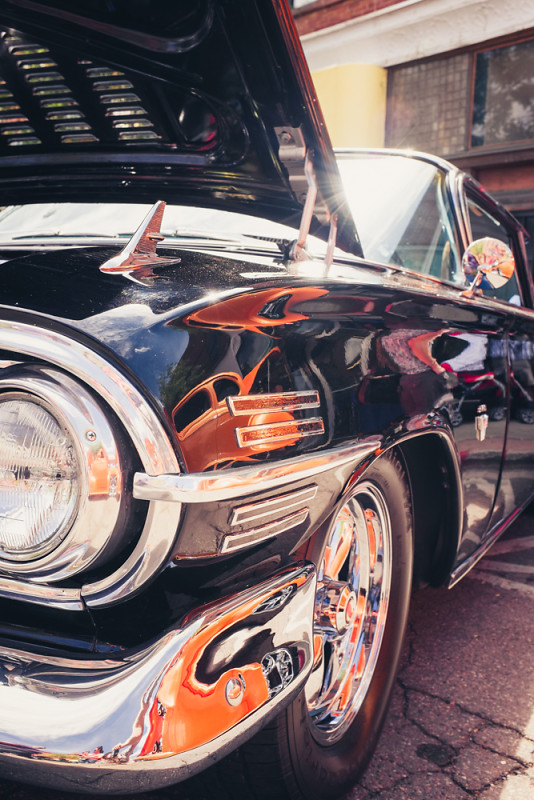

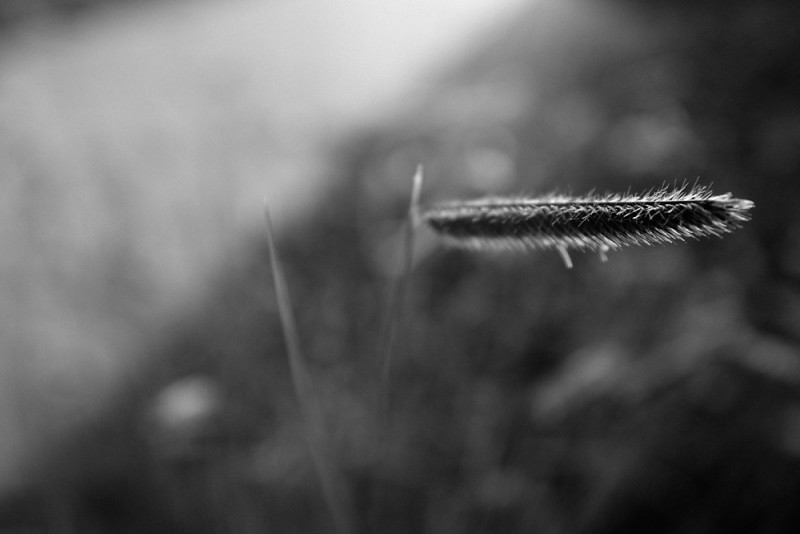
A few photos
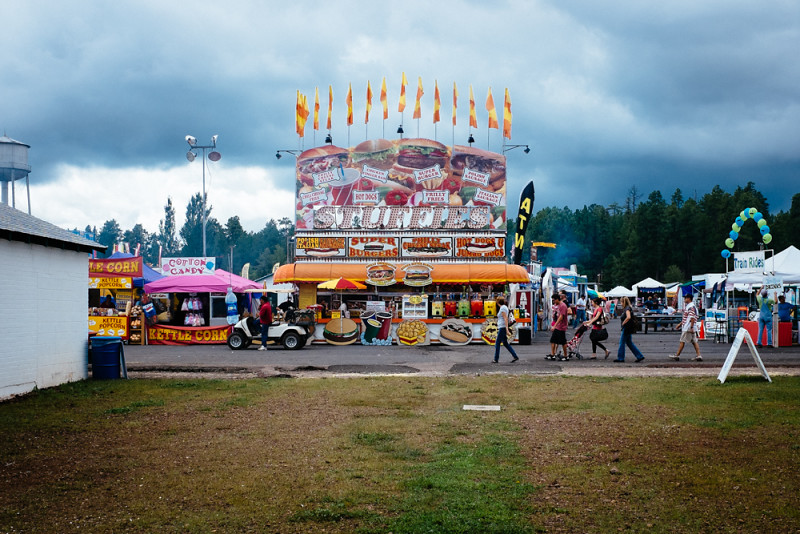
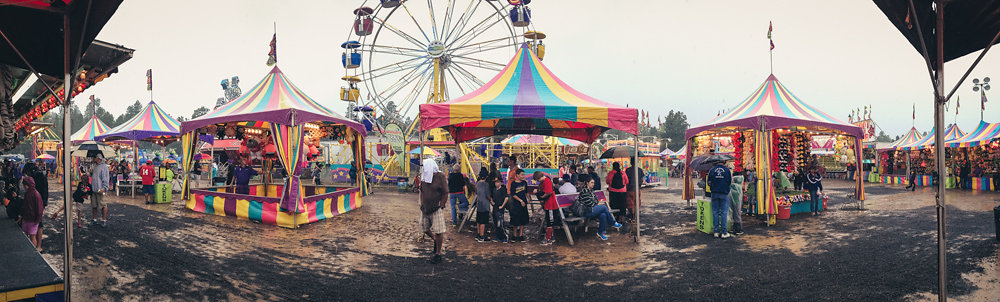
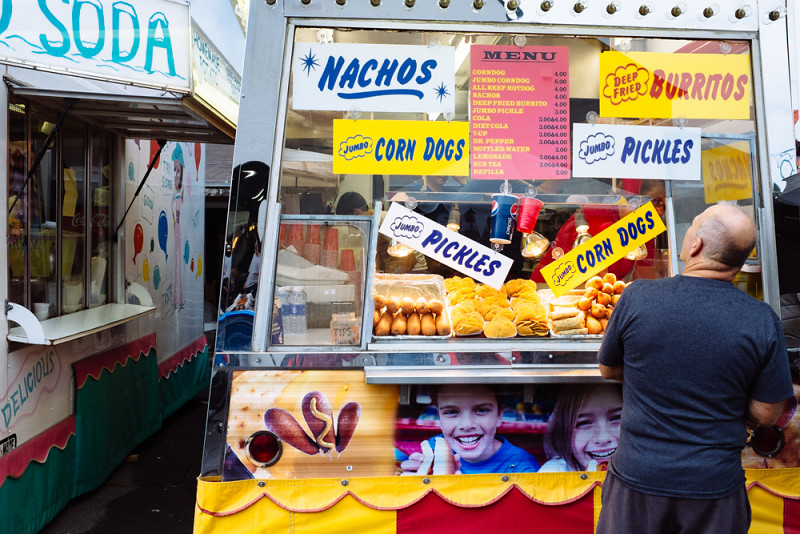
We’re in the middle of a long weekend and I’m out and about with the camera quite a bit, including on a very rainy — strike that, absolutely soaking wet — adventure to the county fair.
Telling stories

Robert Boyer seems unfairly prolific at the photography-writing thing. I cribbed from his post about Fujifilm X100S settings and found his tips a great starting point.
Another influence was a forum discussion about telling stories through photos; that thread (dpreview?) is lost to me now — should have saved to pinboard — but a google search led me to another of Boyer’s recent posts, Fuji X100S - Story Telling Device:
If we bottom-line this whole photography endeavor the entire exercise boils down to telling a story. With all the pigeon-holed genres the one thing in common is that inside each an images success or failure is ultimately based on how effectively it tells a story or maybe part of a story.
This is so key. Debates over bokeh and pixel-peeping, smeared foliage and focus speed (all weighed against price and/or status as a “real” camera/photographer) fill the internet with noise but so often the technical details leave out the quality of an image to tell a story.
I won’t claim to be any good at this, but I’m trying to keep this all in mind.
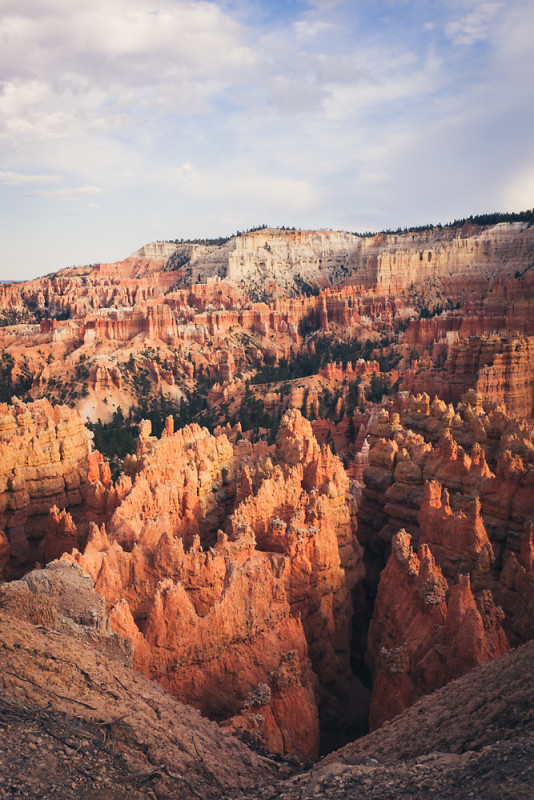
So. We went on vacation the past week or so, road-tripping through southern Utah and on up to the Salt Lake City area, and man I shot a ton of photos. At one point in Bryce Canyon, stopping to shoot every hundred feet or so along a trail winding up the rim of an amphitheater, I self-consciously noted that I really didn’t have any idea what would make one of these photos better than the others. Deepening sunset was changing the light, and as we walked our angle changed, too. I made some in black and white, did some panos, experimented with depth of field and persuaded my exasperated wife to stand for just a few more portraits against the canyon background.
(A note on black and white: There’s a lot to love about the out-of-camera JPGs from the X100s. The great flexibility I get from shooting in JPG+raw is that I can work up a raw image if I don’t like the JPG so much; and if I shoot a black and white JPG and start to wonder what it looks like in color, well there’s the raw.)
(But, and this aside is becoming less of one, using film modes such as the BW setting gives me a valuable intent. This one’s black and white I tell myself and the X100S chimps at me to prove it after I click the shutter. The same goes for the other film mode settings: Great sunset, let’s try it in Velvia, etc. I’m eager to get those full-size JPGs off the card to see how they match my vision at the time and my intent with the film mode. Thinking about those film modes becomes part of the telling of the story — If I have the presence of mind to compose it, of course.)
In his post, Robert Boyer lists a handful of storytelling questions to ask of his photos, and I love how detailed he gets in this inventory:
So anyway I’m thinking as I take photo after photo of this spectacular landscape something to the effect of “I don’t know what will make this one of the tree more interesting than this one with just the hoodoos, so I’ll keep shooting lots.” Later, in Lightroom, comes trying to filter the photos and look for some keepers with questions like:
How did we get way up here? What’s it feel like to stand in that spot? Can a photo hint at the smell of rain way out there? (Also: Am I focused where I want to be? Should I adjust exposure? DOF?? Was that lightning? The signs at the trailhead said to get the hell off the ridge if there’s lightning.)
I think the point as I do this more is to try to front-load the picture-taking itself with those questions (the same way that using a film mode begins to hint at the intended effect of a photo), and then compose the photos accordingly. But one step at a time, right?
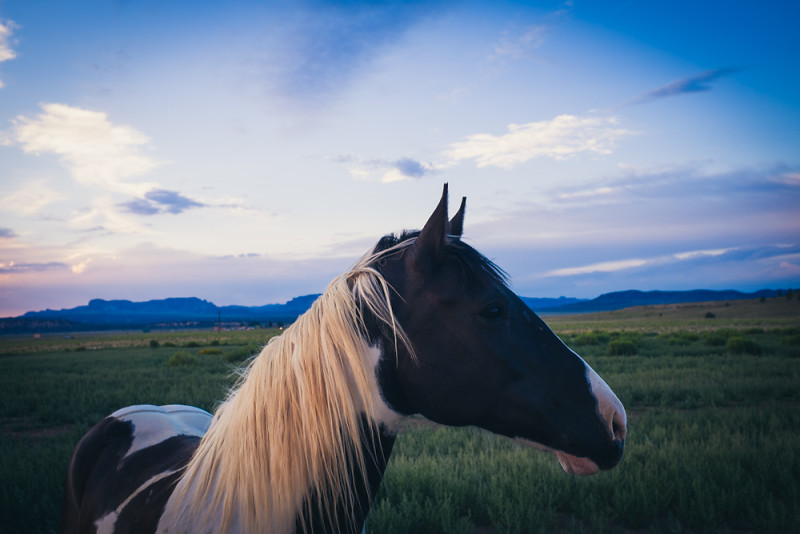
After all that, did I get a story? Well hell, hard to say. I do know that I really love trying. Right now, figuring out the balance of right technical elements and narrative components of the photo is just a great ball of fun.
administrivia
Did you notice you can click the images in this post to bring up a lightbox view of all the images from the post? It’s something I’m trying out, using the lightview toolkit.
DPReview Fuji X100S review
The excellent quality of the X100S’s in-camera JPEG processing means that for many purposes it makes perfect sense to shoot JPEG+RAW with the intent of using the JPEG by default, and only resorting to the Raws when you want to pay an image special attention, as in the examples above. The most obvious case when you’d need the extra latitude of a Raw file is when you want to adjust white balance post-capture.
This is exactly how I shoot with it, and I’ve found it to work really well. If an image doesn’t have some quality I’m looking for and some minor adjustements to the jpg don’t give it to me (Lightroom can do a lot with a jpg!), I work up the raw file and see how it goes.
On dynamic range:
An alternative way of thinking about this is that DR200 is like underexposing a stop to retain highlights then adjusting the brightness afterwards, and DR400 is like underexposing by two stops and adjusting further. Because of this, the minimum ISO available in each mode is limited: ISO 400 at DR200, and ISO 800 at DR400. The flipside to this approach is shown by ISO 100, which is effectively the opposite; i.e. ISO200 overexposed by a stop then pulled-down in processing. This results in the loss of stop of highlight range - to all intents and purposes it counts as DR50, and should therefore normally be avoided. (Note ISO 100 is only available in JPEG anyway).
As usual for DPR, this is a detailed review that can teach someone already using the camera a lot about how it’s put together, what its capabilities are, and how to get the most from it.
Between ISO 200 and 800 the X100S delivers images which contain effectively no visible noise. This, coupled with the inclusion of a 3-stop ND filter means that it is entirely possible to shoot at ISO 800 outdoors in bright daylight for the sake of better dynamic range (see DR expansion modes section on the next page). In our everyday shooting we alternate between DR200% and 400% in especially tricky conditions, and we’ve learned not to worry about the consequent increase in ‘base’ ISO.
I had a great evening at the best pizza place around this weekend — got a few photos I enjoy, too.
 {:id: .center}
Eye-fi and more
I’m having a blast with this new camera, the Fuji X100S.
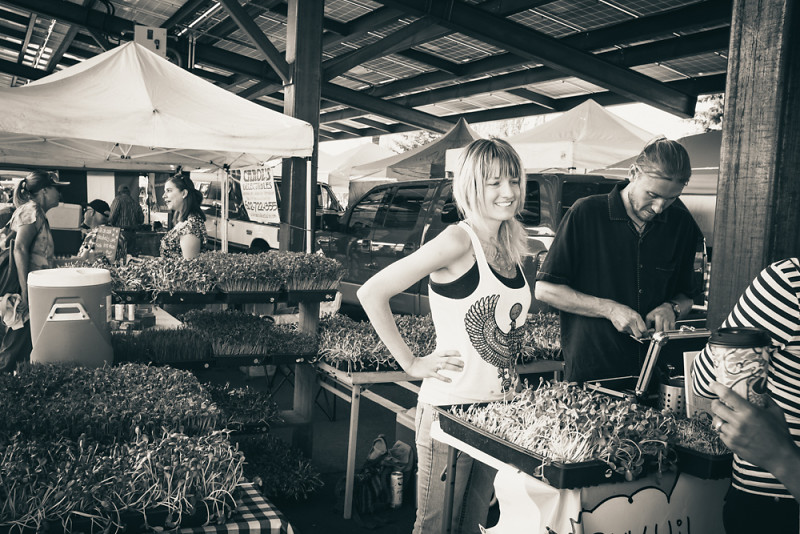
I had a conversation with my wife today that seemed to bear on why this camera is so much fun. She’s looking for a new bike and has been demoing some from local shops to find just what she wants. (This, by the way, is where our little outdoorsy town excels; want a new mountain bike? Half a dozen excellent shops have gear for you. But if you want a camera, you can try your luck at the Best Buy, or drive 140 miles to the big city.) This morning she rode a bike that is on paper superior to the one she tried earlier in the week, with higher-specced components, insane suspension and a frame design that should be precisely in her wanna bike sweet spot.
But it wasn’t a much fun as the one the tried earlier. The experience of the first bike was just better, but not in a way she could quite explain or quantify. The ineffable sum of its parts just add up to more, and I guess that’s about the same with this fixed-lens, slightly slow to focus, battery-eating and sometimes just obtuse little Fuji. I still have the fancy glass if I ever want to upgrade to a new shiny DSLR body, but it simply feels good to sling the X100S over my shoulder and go for a walk, and I love the photos it makes.
I got an Eye-Fi card to use with it, to pull jpgs right off the card through the vapor while I’m away from my computer. It seems to work well, is not automatic (in the sense that I can turn it on and off and it requires the iPhone or receiving device to be set to its own wifi network to receive) but that’s probably better than something that’s unpredictable. The eye-fi adds imported photos to three locations: one, the in-app gallery; two, the iPhone camera album; three, an “eye-fi” gallery in photos app. This means that it’s a piece of cake to select jpgs in the camera roll and share to an icloud photo stream – meaning that those images are quickly available on my iPad, too (or, via shared photostream, anybody else’s I share with).
My flow is shooting with the X100S, doing in-camera development as desired to produce some jpgs, then turning on the eye-fi when ready to sync to the phone for sharing or (via Dropbox) taking a closer look on the iPad.
This is an out-and-about type of workflow, because I will still download and work with raw if/when I want more control or am not satisfied with jpgs. But it will be fun when traveling or enjoying busy days that keep me away from the laptop. And, because the photos get put in the camera roll, they also get uploaded to dropbox if its app is configured to upload from the camera roll. This latter effect may create some redundancy, but it’s also a nice and complete circle – out-of-camera images can easily be pushed everywhere I want to use jpgs.
A couple recent photos that I enjoyed: