I’m impressed by Iris, an elegant and clever Mac app that does a bunch of delightful things.
I have an array of photos sources: Two Photos libraries from different eras of Mac and pre-Mac computers; more than a decade of flat file storage that make up my Lightroom libraries; and a big file tree of imported mobile phone photos from prior to when I began syncing everything through iCloud Photos.
Until using Iris, these have been separate catalogs, technically unifiable by dumping absolutely everything into a single Photos library, but I really don’t want to do that. Iris gives me this nimble application layered over all those existing sources, so for the first time I have this entire digital photos history viewable in one place. It’s marvelous and transformative as a way to have access in a unified way to such a span of time and places.
Iris has a lot more to dig into, like entirely on-device machine learning to identify faces and associate them with named people. I can add people details and then Iris will show me things like photos from a person’s birthday over the years. I’m just scratching the surface but I’m really excited by what it can do.
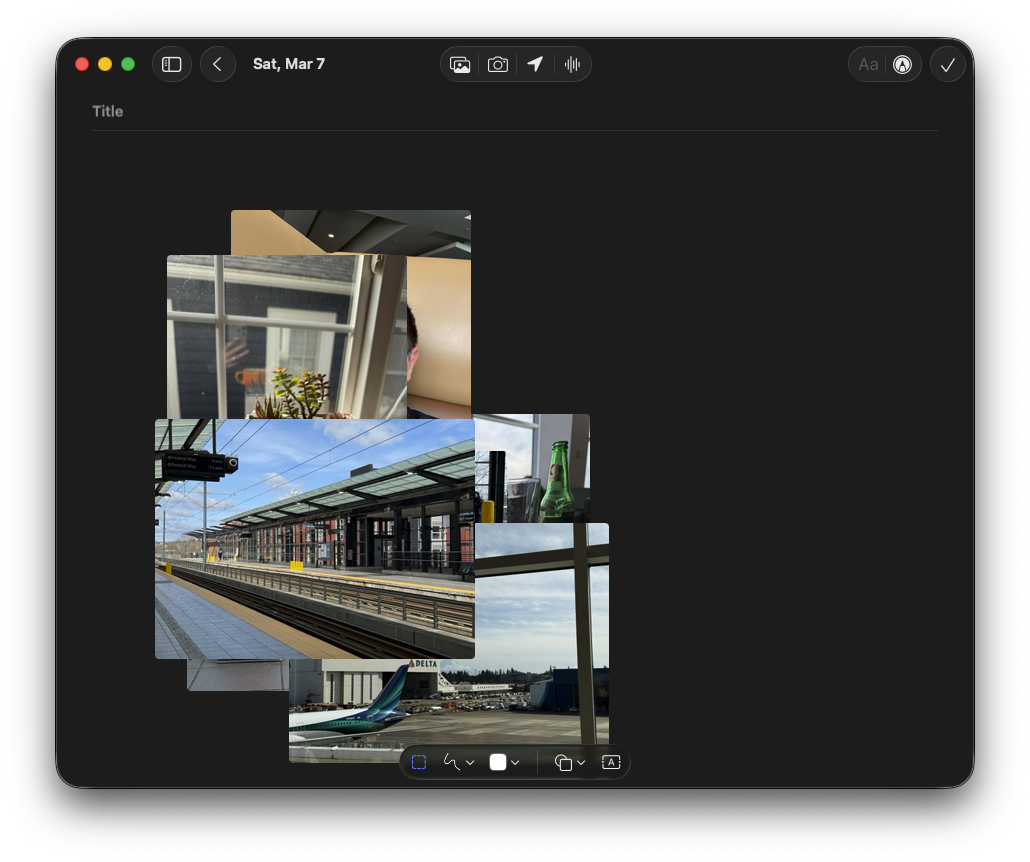
The MacOS Journal app feels so half-baked. I thought I’d try it for a travelogue of my past week, dragged some photos to it, and it just dumps them in a pile. There’s no arranging, scaling for layout of landscape and portrait, nothing. C’mon, Apple, I’m trying to not shell out for Day One again, here.
Too much to expect that Lightroom 5 continues to work on MacOS Sonoma? Gonna have to figure out how to get into my legacy album, I guess.
I wanted to make a QR code to go along with a gift card I’m giving to someone. The search space for how to do that is a wasteland of SEO and sketchy generators, but – turns out – there’s a MacOS/iOS shortcut already available in the Shortcuts gallery. HOWEVER: Searching for just “QR” doesn’t find it; search for “QR code” instead, and you’re good to go.
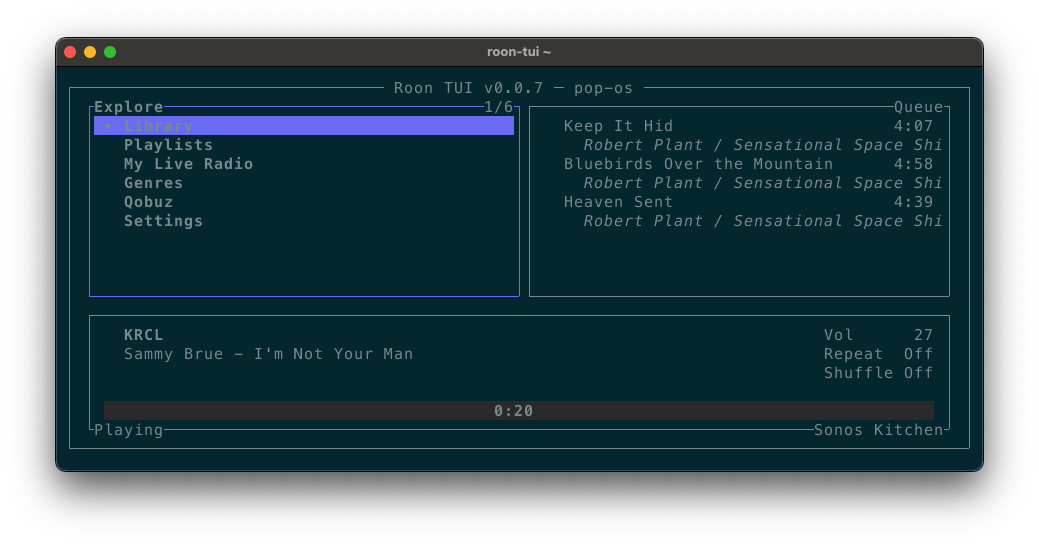
Whoa, roon-tui lets you control Roon from a terminal! This is very cool and makes me want to learn just a little Rust to be able to tinker with it.